

7 Reasons Where Voice Control Breaks Down on Modern Web Forms: A Diagnostic Guide
Voice control frequently breaks down on modern web forms, not from lack of processing power, but a fundamental mismatch in language interpretation and form structure. This friction often arises from poorly defined ARIA attributes and non-semantic HTML, hindering reliable navigation for users.
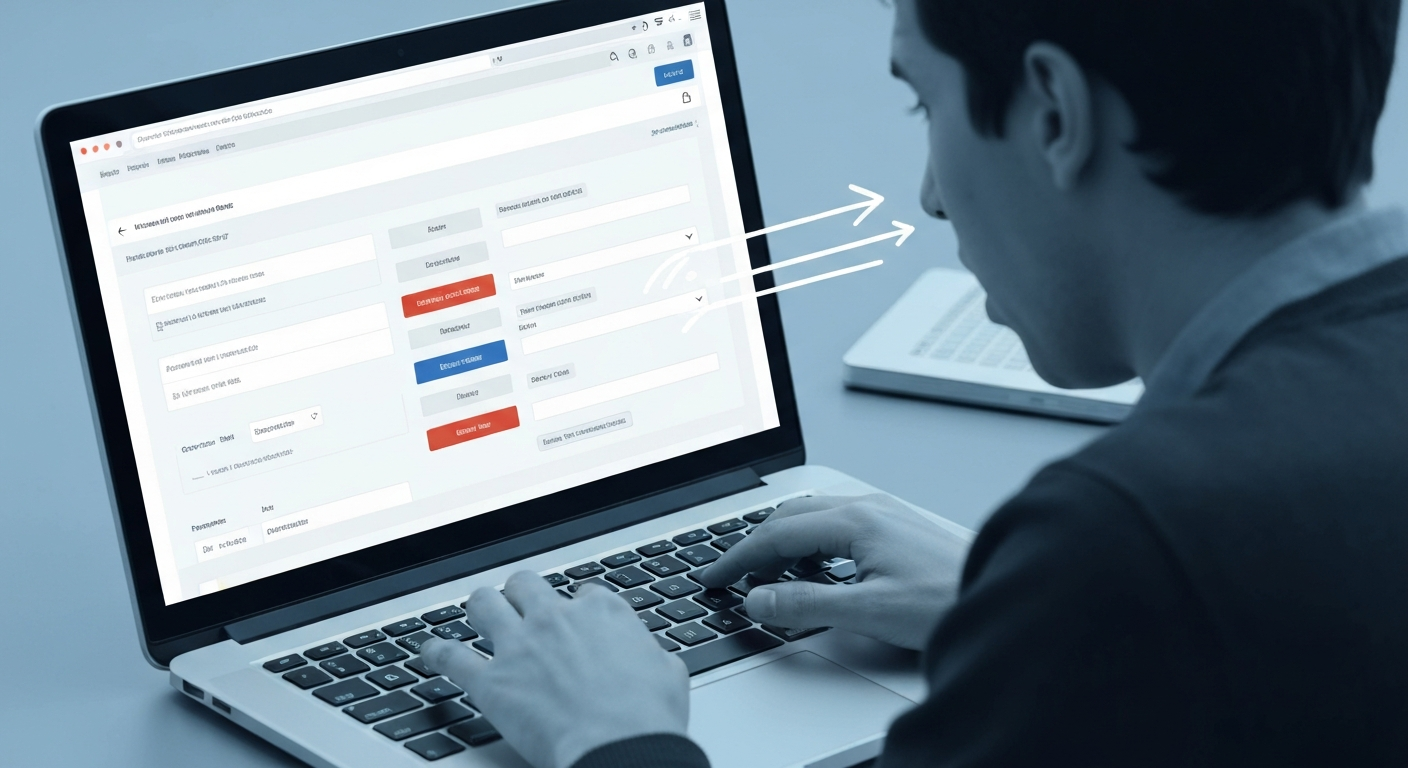
Understanding Web Accessibility: Where Voice Control Breaks Down on Modern Web Forms
Voice control frequently breaks down on modern web forms not due to a lack of processing power, but because of a fundamental mismatch between how voice commands interpret language and how developers structure form elements. This friction often arises from poorly defined ARIA attributes and non-semantic HTML, making it hard for a user of Dragon Professional (formerly Dragon NaturallySpeaking) to reliably select a radio button or navigate a multi-step checkout. The core issue isn't the voice input itself, but the web form's inability to present clear, machine-readable targets for that input.
This challenge matters because many disabled people could benefit from robust voice control. Accessibility failures on forms often show up as misinterpreted commands or an inability to interact with dynamic content, leaving users frustrated and excluded from essential online services.
Understanding where voice control breaks down on modern web forms requires moving beyond generic "accessibility fixes" and into specific diagnostic approaches. This guide provides both a user's perspective for identifying points of failure and a developer's checklist for implementing truly voice-accessible solutions, bridging the gap between the promise of voice interaction and its current limitations.
Our Approach: Diagnosing Voice Control Challenges and Crafting Solutions
Many discussions around voice control in web accessibility overlook the intricate technical reasons why these tools falter, often focusing on user-side issues without diving into the underlying code. Our approach directly confronts these breakdowns, providing a diagnostic guide for both users and developers to understand precisely where voice control breaks down on modern web forms and how to fix it.
Our Diagnostic Focus Areas
We prioritize common user pains: misinterpreted commands, difficulty with specific elements like date pickers, and the inability to complete multi-step forms. These real-world challenges drive our technical analysis.
Our analysis pinpoints issues in specific HTML structures, missing or misused ARIA attributes (e.g., aria-labelledby), and JavaScript interactions that block voice input or focus management.
We offer practical coding tips, debugging strategies for browser developer tools, and testing methodologies using tools like Dragon Professional or Windows Voice Access to simulate user experiences.
This guide distinguishes challenges across web-based dictation, OS-level voice control (e.g., Apple Voice Control), and dedicated accessibility software, as each presents unique hurdles.
Our recommendations are grounded in WCAG 2.1 AA criteria, particularly 2.1.1 (Keyboard) and 2.4.7 (Focus Visible), recognizing that robust keyboard accessibility is a prerequisite for effective voice control.
The Promise vs. The Reality: Why Voice Control Struggles with Web Forms
The Promise vs. The Reality: Why Voice Control Struggles with Web Forms
Despite the growing reliance on voice interfaces, a significant gap persists between the ideal of effortless voice interaction and the reality of voice control on many Canadian web forms. Users expect to navigate and input data easily using tools like Dragon Professional or macOS Voice Control, yet they frequently encounter friction. Modern web forms, often featuring dynamic content, custom components, and intricate workflows, simply overwhelm the simpler command structures these voice systems rely on, leading to frequent breakdowns and user frustration.
A common scenario where voice control problems on web forms emerge involves ambiguous field labels or non-standard interactive elements. For example, a "submit" button coded as a <div> with a JavaScript click handler instead of a semantic <button> element makes it nearly impossible for voice engines to identify and activate. This lack of semantic clarity means voice dictation, while effective for general text input, often fails on online forms when precise interaction with specific fields is required, such as selecting a specific date from a custom calendar widget or adjusting a slider for a quantity.
The discrepancy between the widespread adoption of voice technology and persistent web accessibility failures creates a paradox.
Common Scenarios: Where Voice Commands Break Down on Modern Forms
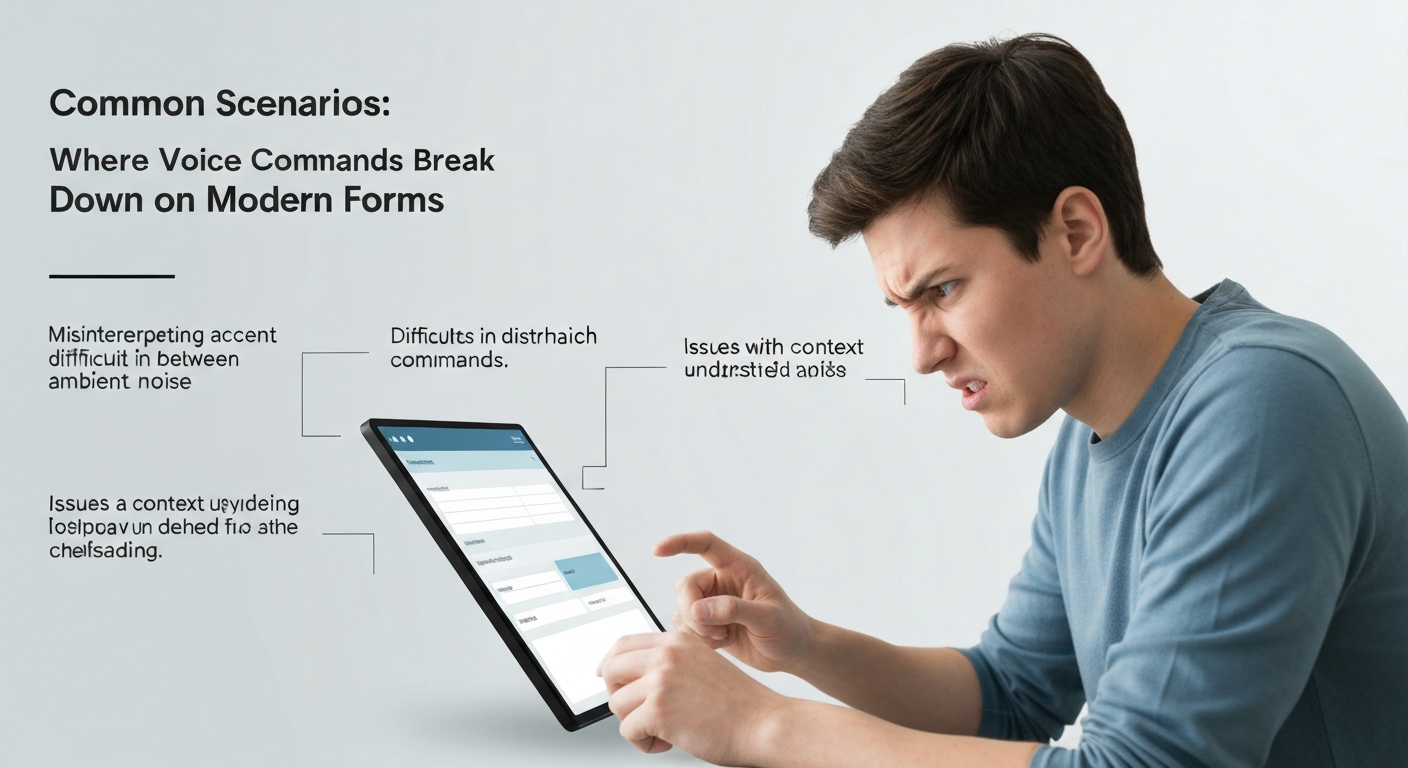
Even with advanced voice recognition, common web form patterns frequently cause voice control to falter, leading to user frustration and incomplete tasks. These breakdowns highlight critical gaps in form design that prevent easy interaction for disabled people.
When Voice Control Works Well
- Clearly labelled text fields: A field explicitly labelled "First Name" lets a user say a command such as "Click First Name" and then dictate the entry.
- Standard HTML buttons: A
<button>Submit</button>element is reliably activated by "Click Submit." - Simple, linear forms: Forms with a single step and no dynamic content updates are generally easier to navigate.
- Semantic HTML5 input types: Using
<input type="email">or<input type="tel">provides hints to assistive technologies.
Where Voice Control Breaks Down
- Misinterpreted input: Dictating a number in a quantity field might produce the word instead of the digit, or the reverse.
- Difficulty selecting specific elements: Radio buttons or checkboxes without explicit
<label>associations often cannot be selected by voice; a user trying to select "Option B" might find no discernible voice command. - Complex CAPTCHAs or dynamic content: Visual CAPTCHAs can be difficult for voice control users to complete. Forms that update content without clear ARIA live region announcements also create navigation traps.
- Forms lacking clear labels: An input field next to an image icon, without an associated
<label>oraria-label, becomes an invisible target for voice commands, hindering completion of tasks like booking an appointment on a provincial health portal.
These scenarios illustrate where voice control breaks down.
Under the Hood: Technical Hurdles for Voice-Accessible Forms (HTML, ARIA, JavaScript)
The root causes of voice control failures often lie in how developers implement web forms, specifically in the interplay of HTML, ARIA, and JavaScript. Many websites fail to meet basic accessibility standards, which contributes to where voice control breaks down on modern web forms.
Understanding the technical gaps in web form implementation is crucial for improving voice accessibility. The following table highlights common technical hurdles and their impact on voice control usability.
| Technical Hurdle | Description & Impact on Voice Control | WCAG 2.1 AA Relevance | |||||||||||||
|---|---|---|---|---|---|---|---|---|---|---|---|---|---|---|---|
| Lack of Semantic HTML | Using generic <div> elements instead of <button>, <input>, or <label> prevents voice control from recognizing interactive components. A user might say "click submit" but the voice engine sees no semantic button. |
1.3.1 Info and Relationships | |||||||||||||
| Incorrect/Missing ARIA | Crucial attributes like aria-label, aria-describedby, or role are often absent. Voice software cannot distinguish between multiple unlabeled text fields, leading to misdirection. |
4.1.2 Name, Role, Value | |||||||||||||
| JavaScript Pitfalls | Dynamic content updates or custom form validations implemented purely with JavaScript can break voice control if not accompanied by ARIA live regions or proper focus management. A form error message might appear visually but remain invisible to voice users. | 2.4.3 Focus Order, 4.1.2 Name, Role, Value | |||||||||||||
The User Experience: Impact of Voice Control Failures on AccessibilityThe failures of voice control on web forms extend beyond technical glitches; they create profound barriers for disabled people. Users relying on voice commands often feel excluded from essential online participation when forms are inaccessible. This exclusion is not merely an inconvenience; it can block access to critical services, employment applications, and social interactions, reinforcing existing digital divides across Canada. Constant misinterpretations and navigation errors demand significant cognitive load. A person using Dragon Professional to complete a government benefits application, for example, might struggle for a long time to select a single radio button because the underlying HTML lacks an explicit label. This frustration is a direct consequence of forms where voice control breaks down, turning routine tasks into exhausting ordeals. Inaccessible web forms have human and economic costs, and making them voice accessible is a human rights issue, not just a technical challenge. Best Practices for Developers: Building Voice-Friendly Web FormsDevelopers hold the primary responsibility for ensuring web forms respond reliably to voice commands. Thoughtful application of semantic HTML, ARIA, and robust JavaScript prevents common pitfalls where voice control breaks down on modern web forms.
1
Prioritize Semantic HTML5 ElementsAlways pair
2
Implement Correct ARIA AttributesEmploy
3
Ensure Robust Keyboard NavigationAdherence to WCAG 2.1.1 (Keyboard) and 2.4.7 (Focus Visible) is foundational. Every interactive element must be reachable and operable via keyboard alone. User Workarounds: Strategies When Voice Control Isn't Enough When voice control falters on a web form, disabled users often deploy a range of tactical workarounds. These strategies are not ideal, but they allow completion of critical tasks when a form's design creates barriers. User Workarounds for Voice Control Failures
Switch Input Modalities
Transition to keyboard navigation, a mouse, or touch input for specific problematic elements. For instance, if voice fails to select a dropdown menu on a provincial government form, a user might grab a mouse to click it open.
Leverage Browser Features & Extensions
Modern browsers like Chrome and Firefox offer built-in accessibility tools. Users might enable reader modes or install extensions that provide alternative form interaction methods when voice commands are misinterpreted.
Refine Voice Commands
Experiment with more precise phrasing. Instead of "submit," a user might try "click submit button," or for a field, "go to first name field." This can sometimes bypass ambiguity where voice control breaks down on modern web forms.
Report Accessibility Gaps
Provide direct feedback to website administrators. Many organizations offer ways to send accessibility feedback, which users can use to report issues with voice command recognition on specific fields.
Deconstruct Complex Tasks
For lengthy or multi-step forms, users often dictate larger text blocks first, then switch to explicit command mode for individual interactions like checkboxes or radio buttons. This isolates potential failure points. These workarounds highlight a crucial point: disabled users are experts in adaptation. While these strategies allow task completion, they add cognitive load and frustration, underscoring the need for developers to build forms that inherently support diverse input methods from the outset. Voice Control Breakdown Points: A Quick Reference GuideUnderstanding where voice control breaks down on modern web forms requires a clear diagnostic framework. This table summarizes common scenarios, their root causes, and practical solutions for both developers creating forms and users navigating them with voice commands, particularly in Canadian contexts where AODA and Accessible Canada Act compliance is paramount.
These scenarios highlight that many voice control failures stem from a lack of foundational semantic HTML and ARIA implementation. Addressing these gaps ensures forms are not just usable, but truly accessible for disabled people relying on voice input. The Future of Voice Input: Innovations and Emerging StandardsInnovations and Emerging Standards for Voice InputThe conversation around where voice control breaks down on modern web forms often overlooks the rapid advancements poised to shift this landscape. AI and natural language processing (NLP) are evolving quickly, promising more accurate intent recognition. For instance, a user in Quebec saying "change my delivery address to Montreal" on a complex e-commerce form will soon see less misinterpretation than with current systems. This precision reduces the frustration of incorrect inputs, a common pain point for disabled people using voice input. New W3C standards and browser APIs are also under development to enrich the semantic information available to voice agents. This means a voice assistant could soon differentiate between a shipping address field and a billing address field more reliably, even if their visible labels are similar. Furthermore, the concept of personalized accessibility profiles is gaining traction. Imagine a user with cerebral palsy in British Columbia configuring their voice control software to prioritize specific commands or interaction patterns for frequently visited sites like their online banking portal, customizing how voice input engages with form elements. Increased adoption of 'voice-first' design principles will push developers to build forms with inherent voice accessibility. This shift minimizes current breakdown points by baking in clear labels and logical structures from the outset, rather than retrofitting accessibility after the fact. The collective effort of developers, browser vendors like Google Chrome, and accessibility advocates across Canada aims to make "voice commands not working on form fields" a challenge of the past. The path forward involves voice control on the web.Solving the persistent challenges of voice control on the web demands a dual approach: providing disabled users with diagnostic knowledge and equipping developers with precise implementation strategies. It's not enough to simply acknowledge where voice control breaks down on modern web forms; we must understand why and how to build better. Developers hold the primary key to an inclusive web. Prioritizing semantic HTML, correct ARIA attributes like Adherence to WCAG standards, particularly those governing keyboard operability and focus management, directly translates to improved voice control. Frequently Asked QuestionsWhy do voice commands not work on some modern web forms?Voice commands often fail on modern web forms due to reliance on non-standard HTML elements, custom JavaScript widgets, or insufficient ARIA labelling. When developers use div elements styled to look like buttons or dropdowns instead of native <button> or <select> elements, assistive technologies, including voice control software like Dragon Professional or macOS Voice Control, struggle to identify interactive components. This lack of semantic markup means the software cannot accurately map spoken commands, such as "click submit" or "select province," to the intended actions, creating significant barriers for disabled users in Ontario and across Canada.What makes web forms difficult for voice control users?Web forms become difficult for voice control users when they lack clear, programmatically determinable labels and roles. Elements like custom checkboxes, radio buttons, or date pickers built with complex JavaScript often fail to expose their state or purpose to assistive technologies. For instance, a user might say "select January 15th," but if the date picker is not properly marked up with ARIA attributes, the voice software cannot interpret the command. This issue is compounded by dynamic content updates or ambiguous visual cues, forcing users relying on voice input to guess at available actions, and it can fail WCAG 2.1 Success Criteria 2.5.3 Label in Name and 4.1.2 Name, Role, Value (both Level A). How can I fix voice input issues on website forms?To fix voice input issues, prioritize semantic HTML and proper ARIA implementation. Use native HTML elements like <input>, <button>, and <select> whenever possible, as these inherently convey meaning to assistive technologies. When custom components are unavoidable, apply appropriate ARIA roles (e.g., role="button", role="checkbox") and states (e.g., aria-checked="true") to clearly define their function. Ensure all form fields have visible and programmatically associated labels using <label for="...">. Regularly test forms with voice control software, such as Windows Voice Access or macOS Voice Control, to identify and resolve usability gaps for disabled users.Is it possible to improve voice accessibility for web forms?Yes, significantly improving voice accessibility for web forms is entirely possible through thoughtful design and development practices. Start by adhering strictly to WCAG 2.1 AA guidelines, particularly those concerning perceivable, operable, and understandable content. This includes providing clear, descriptive labels for all form elements, ensuring logical tab order, and avoiding time limits on form completion. Implementing robust ARIA attributes to clarify roles and states for custom components is crucial. Regular user testing with disabled individuals, including those who use voice control, provides invaluable feedback, ensuring forms are genuinely usable for everyone, from an applicant filling out a provincial grant form in Alberta to a student registering for courses in Quebec. Can HTML and ARIA attributes help voice control on forms?Absolutely, HTML and ARIA attributes are fundamental for enabling effective voice control on web forms. Semantic HTML elements, like <input type="text"> or <textarea>, inherently communicate their purpose to assistive technologies. When developers use ARIA attributes such as aria-label, aria-labelledby, or aria-describedby, they provide explicit names and descriptions that voice control software can interpret. For instance, aria-required="true" informs the user that a field is mandatory, allowing screen reader users to understand requirements without visual cues. This structured information helps voice commands target the correct form elements, and it supports the WCAG 2.0 Level AA conformance that section 14 of O. Reg. 191/11 requires for the websites of designated public sector and large organizations in Ontario.Keep readingAll articles → Automated Accessibility Scanners vs. Testing with Assistive Technology UsersAutomated accessibility scanners are vital for a baseline, but relying solely on them misses most WCAG issues. The key is understanding their distinct roles, not choosing one over the other for full compliance.  Switch Access, Eye Tracking and Voice Control: How Each Works and Where It FitsMany disabled people with limited mobility face barriers to computer use due to universal mouse and keyboard assumptions. Switch access, eye tracking, and voice control offer specialized pathways, enabling interaction through minimal movement or voice.  CAPTCHA and Online Verification: Accessibility Barriers and Better AlternativesWhy CAPTCHA and similar verification steps shut out disabled people, what WCAG and Canadian accessibility law require, and verification methods that work for everyone. |