
Voice-First Computer Control: Beyond Basic Commands for Accessibility
Voice-first computer control fundamentally shifts voice from an input alternative to a primary interface, enabling complex workflows for disabled users. Unlike basic assistants, true voice-first systems prioritize eyes-free and hands-free interaction, proving indispensable for those with severe motor impairments.
What is Voice-First Computer Control? Defining the Paradigm Shift
What voice-first computer control actually means for accessibility is a fundamental shift from voice as a mere input alternative to voice as the primary, foundational interface, enabling complex, multi-step workflows for disabled users. Unlike basic voice assistants that offer supplementary commands, true voice-first systems prioritize eyes-free and hands-free interaction as the default, making them indispensable for many people with severe motor impairments. This isn't just about dictating text; it's about full command and control of a digital environment.
This paradigm moves beyond simple verbal requests to interpret user intent and context, allowing for sophisticated interactions. For instance, a disabled user in British Columbia could verbally instruct a CAD program to "open the latest architectural drawing, select the wall layer, and change all exterior wall thickness to 10 inches," executing a multi-step task without touching a keyboard or mouse. This level of integration contrasts sharply with consumer-grade assistants like Alexa, which primarily handle isolated commands or information retrieval. Voice-first design embeds voice at the operating system level, creating an accessible interaction layer for every application.
The goal is a fluid experience where the computer anticipates needs and navigates intricate digital environments based solely on spoken commands. This fosters true independence, allowing disabled individuals to manage complex professional tasks or personal computing needs with unprecedented efficiency. It relates to WCAG 2.1 Guideline 2.5 "Input Modalities", which aims to make it easier for users to operate functionality through various inputs beyond keyboard.
Beyond Dictation: How Voice-First Enables Complex Workflows for Accessibility
Beyond Dictation: Supporting Complex Workflows
The true promise of voice-first computer control for accessibility extends far beyond simple dictation, which largely serves as a glorified speech-to-text function. While basic voice assistants like Siri or Google Assistant can set timers or play music, their utility for complex, multi-step professional tasks has often been limited. What voice-first computer control actually means for accessibility is the ability to string together intricate sequences of commands, navigate sophisticated graphical user interfaces, select specific elements, and manipulate data across diverse applications, effectively mirroring and even enhancing the functionality of a mouse and keyboard. This capability allows a disabled person to engage in high-level tasks like coding, graphic design, data analysis, or video editing, verbally issuing commands for specific tools, layers, or functions within specialized software. For example, a software developer with limited hand mobility in Vancouver could use voice commands to open an IDE, create a new file, navigate to a specific line of code, select a block, copy it, and paste it into another document, all without touching a physical input device. Customizable voice macros and sequential command structures are central to this. They enable users to automate repetitive or challenging operations, significantly streamlining workflows and reducing the cognitive load associated with complex digital interactions. This level of control directly addresses the skepticism many practitioners express regarding the real-world effectiveness of voice-first for demanding tasks, demonstrating its capacity to handle sophisticated professional and personal activities. This shift from simple input to comprehensive command and control enables greater productivity and independence for disabled people, moving beyond basic text entry to true mastery of digital environments. Understanding these advanced capabilities is crucial when considering the design principles necessary for truly inclusive voice-first interfaces.Specific Disabilities Transformed: Real-World Impact of Voice-First Technology
Voice-first computer control reshapes daily interactions for disabled people, moving beyond simple dictation to enable complex, multi-step workflows crucial for independence. For people with severe motor disabilities, voice-first access can be transformative. It offers full command over computers and smart devices, allowing a user in Calgary to manage their smart home, draft documents, and participate in video calls without physical input. People with visual impairments gain intuitive navigation methods that complement screen readers. A blind student, for instance, could use voice commands to open specific applications or dictate text, while relying on a screen reader for detailed navigation. Similarly, those with dexterity issues or repetitive strain injuries, like a graphic designer in Vancouver developing carpal tunnel syndrome, find relief and renewed productivity. Voice control eliminates the need for constant mouse and keyboard use, reducing physical strain while maintaining professional output. Many people are already familiar with voice assistants, and that familiarity can be harnessed for more advanced accessibility features. What voice-first computer control actually means for accessibility extends to individuals with certain cognitive disabilities, where the technology simplifies complex digital environments. Being able to act through spoken commands, rather than working through intricate visual layouts, may reduce cognitive load for some users. This direct impact demonstrates how voice-first technology helps disabled people in tangible, impactful ways across diverse needs, tackling the lack of awareness about specific use cases. It moves beyond the perception of voice control as a niche tool, revealing its potential as a core component of inclusive digital design that addresses substantial barriers to participation.Practical Examples: Voice-First in Action for Enhanced Independence
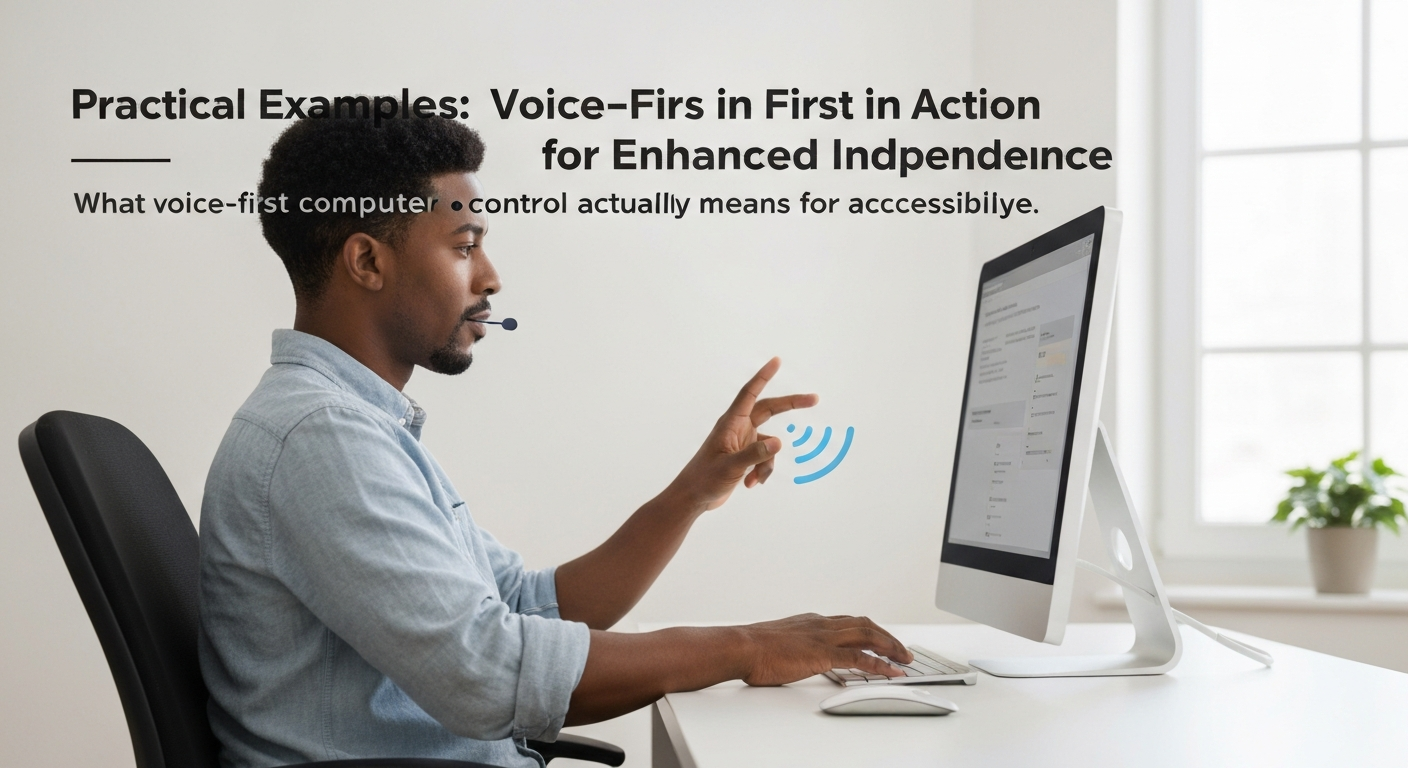
Skepticism often clouds discussions around voice-first computer control, particularly its capacity for complex tasks beyond simple dictation. However, this technology enables disabled people to achieve independence and productivity. These scenarios illustrate what voice-first computer control actually means for accessibility, moving past basic commands into sophisticated, multi-step workflows.
Professional Document Creation for a User with Quadriplegia
A policy analyst with quadriplegia could use voice commands to draft and format a quarterly report. They dictate the main content, then issue specific commands: "Select paragraph three," "Bold that text," "Insert table three by five," "Navigate to cell B2," "Type 'Project Status'," and finally, "Save document as 'Q4 Report'." This sequence allows full document control without any physical interaction.
Web Development for a User with Limited Hand Mobility
A web developer with severe carpal tunnel syndrome could navigate their integrated development environment (IDE) entirely by voice, using custom voice commands. They command: "Open file 'index.html'," "Scroll down," "Find 'div class='header'''", "Insert new line," "Type 'p class intro, Welcome to our site'", and "Commit changes to Git." This enables intricate coding and version control, tasks traditionally requiring precise keyboard and mouse input.
Smart Home Management for a User with Severe Arthritis
An individual managing severe rheumatoid arthritis could use a unified voice interface to control their home environment. Simple, natural language commands like "Turn on living room lights," "Set thermostat to 22 degrees Celsius," "Play jazz music on Spotify," "Lock the front door," and "Arm security system" manage multiple smart devices. This reduces physical strain and increases autonomy in daily living.
These examples highlight how voice-first technology, when designed thoughtfully, transcends simple dictation to become a powerful tool for complex task execution. They address skepticism about its real-world usefulness for people with significant motor disabilities by showing practical ways the technology can support independence and productivity.
The Current Landscape: Challenges and Limitations of Voice-First Systems
Current Hurdles in Voice-First Accessibility
Despite its promise, the current landscape of voice-first computer control faces significant challenges that impact its accessibility and broader adoption. For disabled people relying on these tools, understanding what voice-first computer control actually means for accessibility requires acknowledging these practical limitations in existing systems.Areas of Strength
- Reduced Physical Strain: Voice control reduces or removes the need for keyboard, mouse, or touch input, directly benefiting people with limited mobility, tremors, or paralysis.
- Enhanced Task Efficiency: For simple, repetitive commands, voice-first systems can execute actions faster than manual input, improving productivity in specific workflows.
- Increased Independence: By enabling hands-free operation of devices and software, voice-first tools offer a pathway to greater autonomy for tasks ranging from communication to environmental control.
- Broader Digital Inclusion: Because many people already use voice assistants, the familiarity of voice interaction can lower the barrier to entry for digital tools for some disabled users.
Persistent Limitations
- Accuracy and Misinterpretation: Complex commands, background noise in a busy daycare, or diverse accents can lead to frequent misinterpretations, causing frustration and requiring repetitive input.
- Privacy and Security Concerns: Continuous listening raises questions about data collection, storage, and potential breaches, especially when handling sensitive personal health information, a key concern for disabled users.
- Steep Learning Curve and Cognitive Load: Mastering specific command syntax and adapting to a purely verbal interaction model can be challenging, particularly for multi-step workflows in applications like CAD software.
- Bias in AI and NLP Models: Existing models can struggle with atypical speech patterns or non-standard dialects, creating new barriers for specific user groups within the disabled community.
Designing for True Voice-First Accessibility: Principles for Inclusive Interfaces
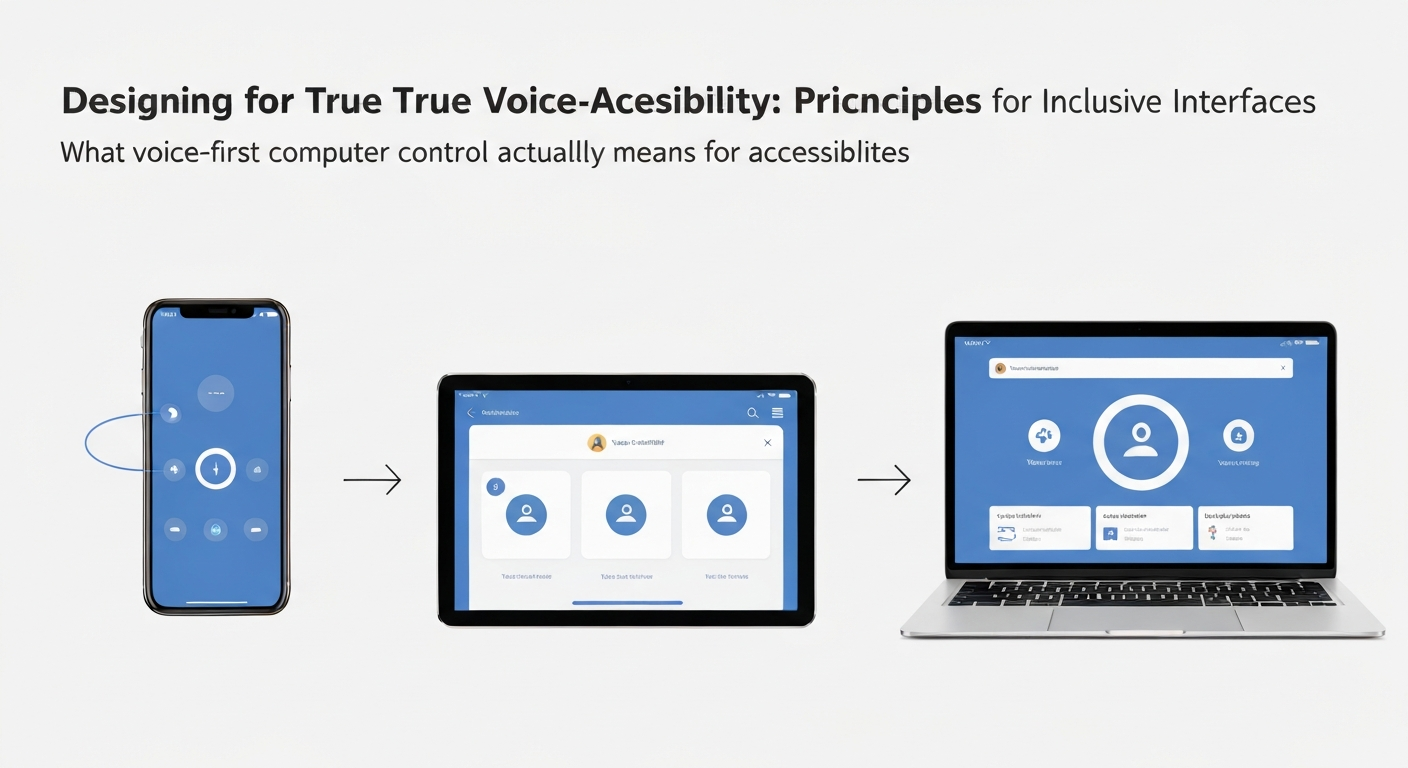
Achieving truly accessible voice-first computer control means moving beyond basic dictation to interfaces built on deliberate design principles. Systems must comprehend user intent and context, not just isolated keywords, allowing for more natural, conversational command structures. For example, instead of a user with limited mobility saying "Open Word. Click File. Click New Document," a well-designed system would understand "Start a new document in Word." This reduces cognitive load and physical effort, aligning with the spirit of the Accessible Canada Act's focus on barrier removal.
Clear, immediate feedback is critical. After any command, users need unambiguous auditory and visual confirmation, a brief sound, a screen highlight, or a spoken "Done." This prevents frustration and provides confidence, particularly for individuals relying solely on voice input. Customization is another cornerstone; users should be able to tailor commands, adjust response speeds, and create personalized vocabularies. A content editor, for instance, might program a complex sequence like "Review and publish" to trigger multiple actions within a content management system, a feature far more effective than simple dictation. Robust error handling, offering helpful suggestions without losing progress, ensures users can recover gracefully from misspoken commands, rather than restarting workflows.
Finally, progressive disclosure helps manage the learning curve for users adopting voice-first tools. Introducing basic commands first, then gradually exposing more advanced, multi-step functionalities, allows individuals to build proficiency. This approach ensures that what voice-first computer control actually means for accessibility is not just the ability to speak, but the power to execute complex tasks with confidence and independence, especially for people with paralysis who could benefit from such advanced control.
Integrating Voice-First with Existing Accessibility Standards and Laws
Integrating Voice-First with Existing Accessibility Standards and Laws
True voice-first computer control, beyond basic commands, must align with established accessibility standards and legal frameworks for widespread, compliant adoption. Without this alignment, even the most innovative voice interfaces risk creating new barriers or failing to meet the legal duty of equivalent access for disabled people. What voice-first computer control actually means for accessibility is fundamentally tied to how it enhances, rather than complicates, existing digital inclusion efforts. Voice-first systems work best on content that meets Web Content Accessibility Guidelines (WCAG) 2.1 criteria. Relevant requirements under the 'Operable' principle include Success Criterion 2.1.1 'Keyboard' and Guideline 2.5 'Input Modalities'. When content works from a keyboard, voice control software can give users with limited mobility another way to reach it, for example by speaking keyboard commands. In Ontario, section 14 of O. Reg. 191/11 requires designated public sector organizations and large organizations (50 or more employees) to make their internet websites and web content conform with WCAG 2.0 Level AA, and federally regulated organizations have separate obligations under the Accessible Canada Act. Developers must ensure voice-only interactions do not inadvertently create new barriers for other disability types, like deaf people, maintaining a holistic approach across all input modalities.This involves mapping voice commands to existing UI elements and ensuring all interactive components are discoverable and controllable via voice. For example, a voice-first system could allow a user to say "Open new document" or "Attach file from downloads" rather than just dictating text, ensuring complex workflows are fully accessible.
Several WCAG 2.1 success criteria make content easier to use with voice control, particularly for people with motor disabilities. The table below illustrates key areas of impact.
| WCAG 2.1 Success Criteria | Principle | How Voice-First Contributes |
|---|---|---|
| 2.1.1 Keyboard | Operable | When all functionality works from a keyboard, voice users can reach it by speaking keyboard commands. |
| 2.5.1 Pointer Gestures | Operable | Single-pointer alternatives to complex gestures are easier to trigger with voice mouse commands. |
| 2.5.3 Label in Name | Operable | Voice commands can reference visible UI labels directly. |
| 2.5.4 Motion Actuation | Operable |
The Future of Voice-First: Innovations and Ethical ConsiderationsThe true promise of voice-first computer control for accessibility lies not just in current applications, but in its future evolution. While basic commands are a starting point, the next wave will focus on hyper-personalized AI models. These models will adapt to individual speech patterns, cognitive styles, and even emotional states, drastically reducing misinterpretations. Imagine a system that learns the subtle nuances of an autistic individual's communication style over time, or accommodates the varying vocalizations of someone with cerebral palsy in Nova Scotia, ensuring consistent accuracy even with fatigue. Integration with technologies like augmented reality (AR) and virtual reality (VR) will create immersive, voice-controlled environments. A disabled architect in Vancouver could verbally navigate a 3D building model, making precise adjustments with spoken commands, eliminating the need for complex mouse and keyboard interactions. This moves beyond simple dictation, demonstrating what voice-first computer control actually means for accessibility: true command and control over complex digital workspaces. However, this future demands careful ethical consideration. Data privacy will be paramount, especially with highly personalized voice profiles. Algorithmic bias, if unchecked, could disadvantage certain speech patterns or accents, inadvertently creating new barriers. The potential for a 'digital divide' also looms, where advanced voice-first systems remain inaccessible to those without the necessary hardware or internet access. Ensuring equitable access to advanced voice-first tools for all disabled Canadians, particularly in rural areas, remains a critical challenge. The widespread adoption of these tools could significantly affect the economic and social participation of disabled people, but only if ethical and equitable deployment is prioritized from the outset. Frequently Asked QuestionsWhat is voice-first computer control and how does it benefit accessibility?Voice-first computer control prioritizes spoken commands as the primary method of interaction, moving beyond traditional mouse and keyboard inputs. For accessibility, this means disabled people, particularly those with fine motor impairments or repetitive strain injuries, can operate computers hands-free. A user with severe arthritis, for instance, can dictate emails, open applications, and navigate complex interfaces solely through speech, reducing physical strain and enabling independent digital access. This approach fundamentally shifts how technology is designed, making voice an integral part of the user experience from the outset. How does voice control help users with disabilities beyond simple dictation?Voice control extends far beyond simple dictation, enabling disabled users to fully operate their entire computer system. It allows for precise cursor movement, application switching, menu navigation, and even complex multi-step commands within software like CAD programs or data analysis tools. For someone with a spinal cord injury, this means not just writing a document, but also managing files, browsing the web, and interacting with specific UI elements without needing a keyboard or mouse, fostering greater autonomy in professional and personal tasks. Can voice-first technology truly improve independence for people with various disabilities?Yes, voice-first technology significantly enhances independence for many disabled people by removing physical barriers to digital interaction. For individuals with limited hand function, it enables independent work and communication. A visually impaired person might use voice commands to open applications or dictate text. While not a universal solution, well-designed voice interfaces, like those integrated into smart home systems or specialized software, allow users to control their environment and information access autonomously, fostering greater self-reliance in daily life. What are the current challenges and drawbacks of voice-first systems for accessibility?Despite advancements, voice-first systems face several accessibility challenges. Accuracy remains an issue, especially with diverse accents, speech impediments, or in noisy environments like a busy office. This can lead to frustration and increased cognitive load for a user trying to correct errors. Customization options are often limited, making it difficult for individuals with unique speech patterns to train systems effectively. Furthermore, privacy concerns regarding data collection and the lack of robust offline functionality can hinder adoption, particularly in sensitive professional settings or remote areas. Why is designing for true voice-first accessibility crucial for inclusive interfaces?Designing for true voice-first accessibility from the outset is crucial because it ensures interfaces are inherently inclusive, not merely retrofitted. When voice is a primary input, developers must consider clear command structures, logical navigation, and robust error handling, benefiting all users, including those without disabilities. For instance, an application designed with voice commands in mind inherently supports users who cannot use a mouse, and building this in from the start helps prevent costly remediation later. Keep readingAll articles → Switch Access, Eye Tracking and Voice Control: How Each Works and Where It FitsMany disabled people with limited mobility face barriers to computer use due to universal mouse and keyboard assumptions. Switch access, eye tracking, and voice control offer specialized pathways, enabling interaction through minimal movement or voice.  CAPTCHA and Online Verification: Accessibility Barriers and Better AlternativesWhy CAPTCHA and similar verification steps shut out disabled people, what WCAG and Canadian accessibility law require, and verification methods that work for everyone.  Captions, Transcripts and Audio Description: What WCAG and AODA Require for VideoWhat WCAG 2.0 Level AA requires for captions, transcripts and audio description, and which of those requirements Ontario's AODA makes law, including its two exemptions for video. |