

Voice-First vs. Overlays: The Real Difference for Accessibility & Compliance
The core difference between voice-first accessibility tools and accessibility overlays lies in their philosophical approach, not just technology. Overlays superficially alter presentation, while voice-first tools offer deep, bidirectional interaction for true digital inclusion.
The Clear Choice: Voice-First for True Accessibility
The fundamental distinction in the voice-first accessibility tools versus accessibility overlays debate is not just in their technology, but in their philosophical approach to digital inclusion. While overlays aim to superficially alter a website's presentation for some users, often through a JavaScript snippet, voice-first tools are designed for deep, bidirectional interaction, fundamentally integrating with a user's existing assistive technology or providing a primary mode of control. This means voice-first solutions, like those enabling a user to navigate an online banking portal in British Columbia using only spoken commands, offer a far more robust and less prone-to-breakage experience than an overlay simply adjusting font sizes.
The perceived ease of implementing accessibility overlays, often marketed as a "one-line-of-code" solution, frequently obscures their critical limitations. Businesses, particularly small to medium enterprises in provinces like Alberta or Nova Scotia, are drawn to the promise of quick compliance. However, this often leads to a false sense of security, as overlays rarely address underlying WCAG 2.1 AA non-compliance issues. Many disabled people find overlays inadequate or even counterproductive when using screen readers or other assistive devices.
For genuine digital inclusion and long-term adherence to laws like the AODA and, for federally regulated organizations, the Accessible Canada Act, understanding this core difference is paramount. Voice-first tools prioritize the user's agency and fluid interaction, effectively becoming an integral part of their digital experience. Overlays, conversely, function more as a post-hoc patch, often failing to integrate with diverse user needs or complex web applications, leading to ongoing accessibility gaps and potential legal scrutiny for Canadian businesses.
Voice-First vs. Overlays: An At-a-Glance Comparison
The fundamental distinction between voice-first accessibility tools and accessibility overlays often comes down to their approach: proactive integration versus reactive patching. Understanding this core difference is critical for digital inclusion and for AODA compliance in Ontario.
| Feature/Aspect | Voice-First Accessibility Tools | Accessibility Overlays |
|---|---|---|
| Integration Level | Deep, code-level integration. Becomes part of the website's core functionality, like how a screen reader interacts directly with semantic HTML. | Superficial, JavaScript layer added after the page loads. It attempts to modify the DOM externally without altering underlying code. |
| WCAG Compliance | Does not fix source code on its own. Voice tools work best on sites whose code already meets WCAG, because they rely on proper labels and structure. | Often fails fundamental WCAG principles. Many accessibility overlays struggle with complex interactions and dynamic content, frequently leading to non-compliance. |
| User Experience | Offers intuitive control for disabled users, such as those with motor impairments navigating a banking site in Saskatchewan using only their voice. | Potentially disruptive and inconsistent. Can conflict with existing assistive technologies, creating new barriers for users already relying on screen readers or switch devices. |
| Legal Risk | Adding a voice tool does not by itself make a website compliant. In Ontario, section 14 of O. Reg. 191/11 requires designated public sector and large organizations to meet WCAG 2.0 Level AA. | High risk. An overlay does not fix the underlying code, so a site relying on one can still fail WCAG and applicable accessibility laws. |
| Long-Term Value | Sustainable investment. Improves core site quality and future-proofs accessibility efforts, aligning with digital inclusion best practices. | Temporary fix with high hidden costs. Requires ongoing maintenance and often leads to eventual replacement due to ineffectiveness and legal challenges. |
The benefits of voice control accessibility tools stem from their deep integration with a website's underlying functionality. Rather than being a superficial layer, these solutions are often built directly into the core user interface, ensuring consistency and reliability. This allows people to navigate menus, fill out complex forms, and interact with dynamic content, all through voice. This fundamental difference is crucial when evaluating voice-first accessibility tools versus accessibility overlays: the real difference
Demystifying Accessibility Overlays: What They Promise vs. What They Deliver
Accessibility overlays often present themselves as a straightforward solution, promising rapid digital inclusion with minimal effort. This approach, while appealing to businesses seeking quick compliance, frequently misrepresents the depth of work required for true accessibility, especially when considering the nuances of Voice-first accessibility tools versus accessibility overlays: the real difference.
The Allure of Quick Fixes
- Immediate Visual Adjustments: Overlays can apply surface-level visual changes, like contrast adjustments or text resizing, directly within the browser via a single line of code.
- Perceived Ease of Implementation: Many vendors advertise "install in minutes," appealing to organizations like a mid-sized Edmonton non-profit with limited IT resources.
- Broad Feature Sets (on paper): Overlays often list dozens of features, giving the impression of comprehensive coverage for various disability types.
- Lower Upfront Cost: Initial subscription fees for an overlay can be significantly less than a full site audit and remediation project.
The Reality of Limited Impact
- Fails Core WCAG Barriers: Overlays rarely address fundamental WCAG 2.1 AA issues like proper semantic HTML or keyboard navigation for complex components.
- False Sense of Compliance: A business using an overlay might believe their site is accessible, yet the site can still fail WCAG and remain open to complaints under Canadian accessibility and human rights laws.
- Conflicts with Assistive Technologies: Overlays frequently interfere with established assistive technologies such as NVDA or JAWS, creating new barriers for disabled users.
- Hidden Costs & Legal Risk: Despite low upfront costs, the risk of non-compliance with section 14 of O. Reg. 191/11 in Ontario or, for federally regulated organizations, the Accessible Canada Act, including reputational damage, can be substantial.
The core issue with overlays is their inability to alter the underlying code structure.
The Core Difference: How Each Solution Interacts with Your Website's Code
The Core Difference: Code Interaction and True Integration
The fundamental distinction between voice-first accessibility tools and accessibility overlays lies in how each solution interacts with a website's underlying code. Overlays operate as a superficial, client-side layer. They inject JavaScript after a page loads, attempting to identify and "fix" accessibility issues without altering the site's core structure. This is akin to painting over rust on a car: it might look better, but the structural problem persists. Voice-first accessibility, conversely, demands deep integration. It influences fundamental design and development considerations from the ground up, impacting semantic HTML, ARIA attributes, and overall site architecture. For instance, a well-implemented voice-first system on an Ontario government portal would rely on properly structured headings and explicit element labels, allowing a user to say "Go to Services" and directly navigate to the correct section. This level of interaction works *with* the website's logic, not just its rendered output. The client-side nature of overlays means they cannot address server-side issues or fundamental structural flaws, leaving significant accessibility gaps. They frequently fail to meet WCAG 2.1 AA standards, which govern international web accessibility, because true compliance requires deep site integration, not just surface-level modifications. Many accessibility overlays fail to address fundamental barriers and can even introduce new ones for users of assistive technologies. This is the real difference when considering voice-first accessibility tools versus accessibility overlays. For a mid-sized Canadian e-commerce site aiming for AODA compliance, relying solely on an overlay creates a false sense of security and leaves many disabled shoppers unable to complete transactions.Real User Impact: Voice-First vs. Overlays for Diverse Needs and Disabilities
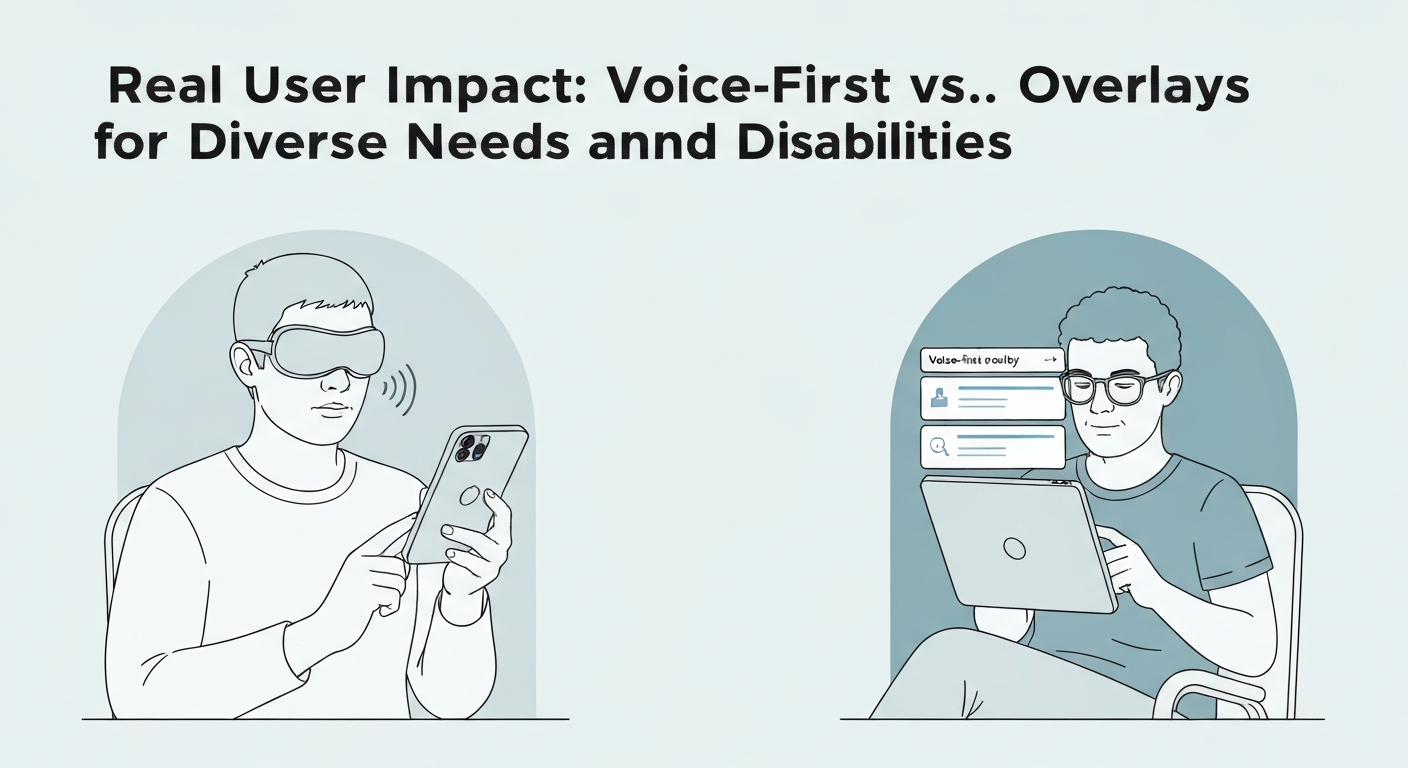
While many digital accessibility discussions focus on compliance checklists, the actual experience for disabled people often gets lost. The critical distinction between voice-first accessibility tools versus accessibility overlays: the real difference lies in how they fundamentally impact a user's ability to engage with content. For someone with severe motor impairments, like a person living with quadriplegia in British Columbia, a comprehensive voice-first tool allows complete navigation, form submission, and content interaction purely through speech. This means controlling a mouse cursor, selecting menu items, or typing into a search bar, all without physical input.
In contrast, individuals with cognitive disabilities, such as those with ADHD or certain learning disabilities, frequently find accessibility overlays confusing. These overlays often introduce inconsistent interfaces, unexpected pop-ups, or additional steps that increase cognitive load, making simple tasks like booking a doctor's appointment online more frustrating than helpful.
Screen reader users, a significant demographic, frequently report that overlays interfere with their existing assistive technology. This can lead to conflicts, redundant announcements, or even render content entirely inaccessible, effectively breaking the user's established workflow. Voice-first solutions, when correctly implemented and integrated into a website's core architecture, offer a predictable, integrated experience. They respect existing user preferences and assistive tools, ensuring a smoother, more reliable interaction across various digital platforms.
Navigating Legal Compliance and Ethical Responsibilities in Digital Accessibility
The widespread appeal of quick-fix accessibility solutions often overshadows the critical need for genuine legal compliance and ethical digital inclusion. Many Canadian businesses, seeking to meet AODA or Accessible Canada Act requirements, mistakenly believe that implementing an accessibility overlay provides a shield against legal challenges. However, an overlay does not change a site's underlying code, so a site that relies on one can still fall short of WCAG and the laws that reference it. The question "are accessibility overlays legal?" arises frequently, but an overlay does not guarantee WCAG compliance, and in Ontario section 14 of O. Reg. 191/11 requires designated public sector and large organizations to meet WCAG 2.0 Level AA. Ethically, true digital inclusion means providing genuinely accessible experiences, not just perceived compliance. This is a crucial distinction when considering voice-first accessibility tools versus accessibility overlays: the real difference lies in their fundamental approach to code and user interaction. While an overlay attempts to patch accessibility issues on the surface, often interfering with existing assistive technologies, voice-first tools depend on the site's own code being accessible, so compliance still comes from fixing that code. Investing in voice-first solutions and inclusive design aligns with both legal requirements and ethical responsibilities, offering a more defensible and inclusive stance for any organization.Making the Right Choice: A Decision Framework for True Digital Inclusion
Choosing the right accessibility solution requires moving beyond quick fixes and committing to genuine digital inclusion. Many organizations initially look for the easiest path to compliance, but a deeper assessment reveals that superficial tools often fall short for disabled users.
Start by conducting a thorough accessibility audit of your digital assets, identifying real barriers for users with motor impairments or cognitive disabilities, not just issues caught by automated scanners. Involve disabled people directly; direct user feedback, especially from screen reader users, uncovers critical issues that automated tools cannot detect. Define specific user needs and pain points through this direct engagement. This approach clarifies why WCAG 2.1 AA compliance demands deep integration, making the distinction between voice-first accessibility tools versus accessibility overlays: the real difference is in their fundamental interaction with your site's code.
Consider the long-term investment. While accessibility overlays promise quick installation, their limitations often lead to continued legal exposure and poor user experiences. Voice-first solutions, by contrast, integrate deeply, offering sustainable benefits and future-proofing your online presence against evolving standards and user expectations. Prioritize solutions that genuinely improve the experience for disabled users, rather than simply ticking a compliance box.
Embracing voice-first solutions is a strategic move towards true digital inclusion. This approach aligns with the core principles of the Accessible Canada Act, ensuring that your digital presence is not just compliant, but genuinely usable for everyone.
Frequently Asked Questions
What is the real difference between voice-first accessibility tools and website overlays?
How do accessibility overlays fall short for users with diverse disabilities?
Why are voice-first solutions often considered superior for true digital inclusion?
Can accessibility overlays guarantee full legal compliance for websites?
Is voice-first accessibility a more fundamental solution compared to an overlay?
Keep reading
All articles →
Switch Access, Eye Tracking and Voice Control: How Each Works and Where It Fits
Many disabled people with limited mobility face barriers to computer use due to universal mouse and keyboard assumptions. Switch access, eye tracking, and voice control offer specialized pathways, enabling interaction through minimal movement or voice.

CAPTCHA and Online Verification: Accessibility Barriers and Better Alternatives
Why CAPTCHA and similar verification steps shut out disabled people, what WCAG and Canadian accessibility law require, and verification methods that work for everyone.

Captions, Transcripts and Audio Description: What WCAG and AODA Require for Video
What WCAG 2.0 Level AA requires for captions, transcripts and audio description, and which of those requirements Ontario's AODA makes law, including its two exemptions for video.