

Voice Control Forms: Why Multi-Step Web Forms Are Hard & Fixes
Multi-step web forms are hard to complete with voice control due to a fundamental mismatch between conversational flow and rigid form structures. Voice control systems often misinterpret commands, leading to frustrating, repetitive corrections.
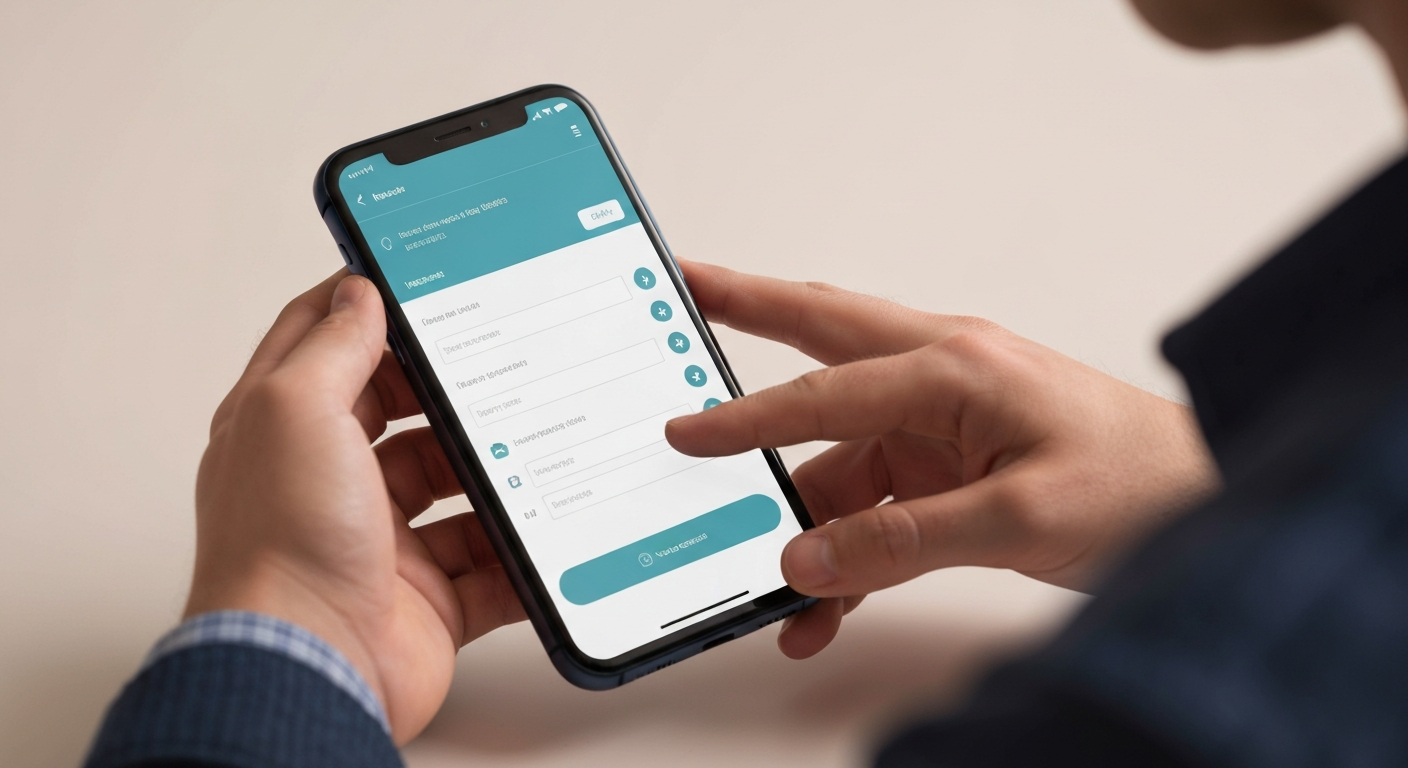
Understanding the Core Challenge: Why Multi-Step Forms Are Inherently Difficult for Voice Control
The core challenge in understanding why multi-step web forms are hard to complete with voice control isn't merely the technology's limitation, but rather the fundamental mismatch between the human expectation of conversational flow and the rigid, often visually-driven structure of these forms. Voice control systems, such as Apple's Voice Control or Voice Access in Windows, struggle with the implicit context changes common in multi-step processes, frequently misinterpreting commands intended for navigation ("next") as data entry, leading to frustrating, repetitive corrections.
Multi-step forms introduce inherent complexity with numerous fields, validation steps, and page transitions that are not always clearly signposted for auditory commands. A user trying to apply for a federal grant through an online portal might encounter dozens of fields spread across several pages. Each transition or validation error requires a precise, unambiguous voice command. If the form lacks explicit ARIA labels or clear heading structures, the voice control software may struggle to identify interactive elements, forcing users to resort to less efficient grid overlays or numeric labels.
Furthermore, many forms rely heavily on subtle visual cues that are inaccessible to voice control users. A small, greyed-out "next" button, a slightly highlighted required field, or an icon indicating an error often provides insufficient auditory feedback. For a disabled person navigating a municipal housing application in Vancouver, a lack of clear audio cues for progress or required fields can make the process feel like guessing. This reliance on visual-only information creates significant barriers, making the completion of essential online tasks feel exclusionary and inefficient.
Common Voice Control Frustrations When Filling Out Forms (A User's Perspective)
Common Voice Control Frustrations from a User's Perspective
The promise of voice control often collides with the reality of complex web forms, particularly multi-step processes. Disabled Canadians using voice commands for online tasks, like applying for a provincial disability benefit or registering for a community program, frequently encounter a gauntlet of small, cumulative frustrations. Navigating between form fields and steps using only voice can feel like trying to walk through a maze blindfolded; users often get stuck, unable to discern the correct command to move forward or backward. This friction is a primary reason why multi-step web forms are hard to complete with voice control. Voice control software, even advanced versions like Apple Voice Control or Dragon Professional, frequently misinterprets spoken input. A user might say "select Alberta" for a province dropdown, only for the system to input "allberta" or activate an unrelated link. Each misinterpretation demands repetition and correction, transforming a simple data entry task into a time-consuming, inefficient ordeal. This inefficiency, compared to keyboard or mouse input, is not just an annoyance; it’s a significant barrier. The cumulative effect of these failures extends beyond mere inconvenience. For a disabled person trying to access critical services, repeated inability to complete forms online can lead to feelings of helplessness and exclusion, eroding trust in digital services. Understanding these user pains is the first step toward designing more inclusive digital experiences, moving beyond the technical specifications to consider the human impact of inaccessible design choices.Technical Hurdles: How Form Design and Markup Impact Voice Accessibility
Many multi-step web forms fail voice accessibility not due to inherent complexity, but because of fundamental technical oversights in their construction. Developers often overlook the semantic structure that voice control software relies on, leading to significant friction for users. For instance, using generic <div> elements styled to look like buttons, instead of proper <button> tags, deprives assistive technologies of crucial role information. Similarly, missing <label> tags for input fields forces voice users to guess at field purpose.
Dynamic content updates, common in modern AJAX-driven forms, frequently lack proper ARIA live regions. This means when a user fills out a field and new content appears, or a validation error is triggered, voice control users are not programmatically alerted to the change. For example, a user registering for a course might complete a field only for an error message to appear visually without any audible cue, creating a dead end.
Inconsistent naming conventions for interactive elements across form steps further complicate voice navigation. If one step's "Next" button is labelled "Continue" on the subsequent step, a user relying on voice commands like "click next" will encounter unexpected failures. This forces them to learn and re-learn commands, a cognitive burden that can quickly lead to frustration.
Furthermore, web form designs often fail to differentiate between various voice control technologies. Built-in operating system features, like Apple's Voice Control or Voice Access in Windows, interpret web content differently than dedicated accessibility software such as Dragon Professional. A form designed primarily for visual mouse interaction might work adequately with one system, but be entirely unusable with another. Complex visual layouts and non-standard UI components, like custom-built sliders or date pickers, are particularly problematic. These components often lack the standard semantic markup that voice input methods understand, making them inaccessible by default. This explains why multi-step web forms are hard to complete with voice control for many disabled Canadians.
Addressing these technical deficiencies requires a foundational shift towards semantic HTML, diligent ARIA implementation, and a user-centred design approach that considers diverse voice control inputs from the outset, rather than as an afterthought.
The Role of WCAG Guidelines in Voice-Accessible Form Design
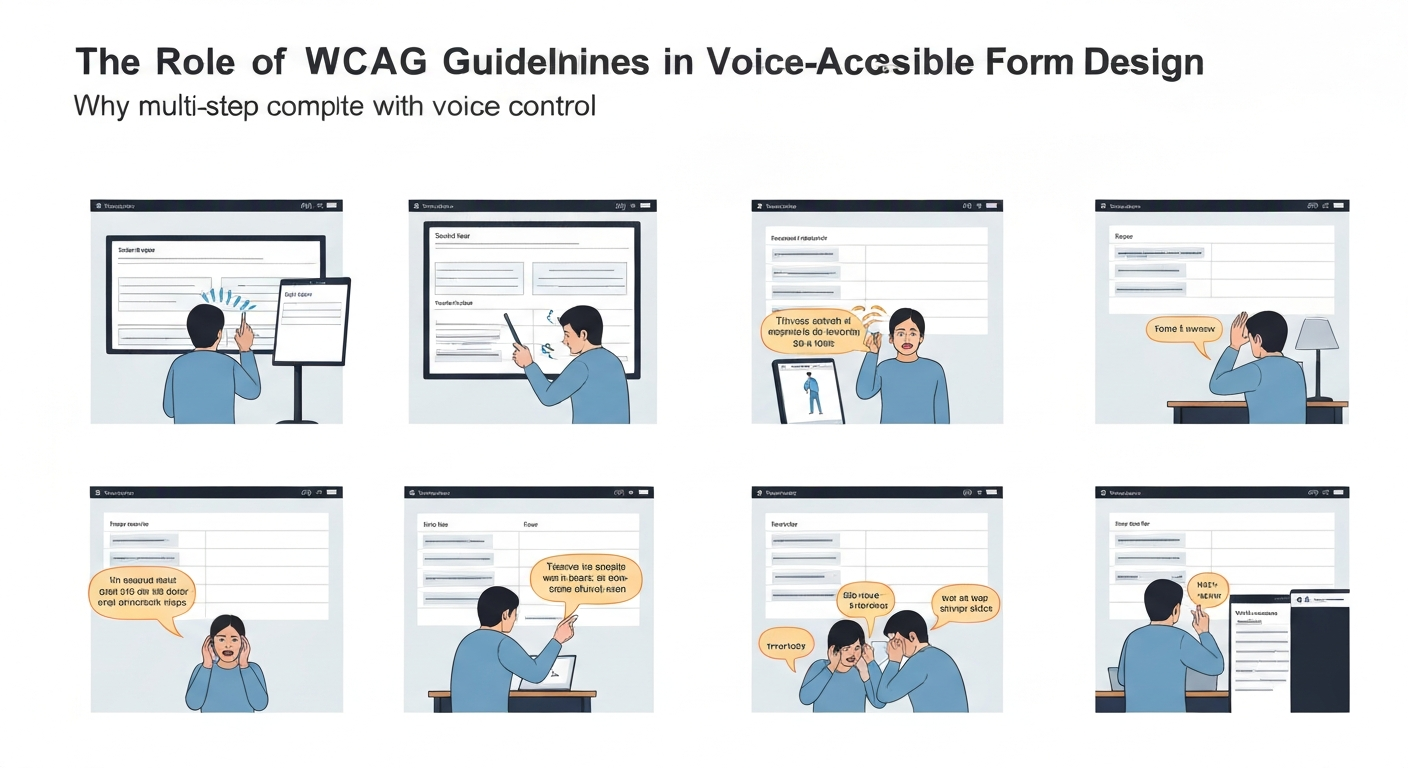
WCAG Guidelines as the Foundation for Voice-Accessible Forms
Many multi-step web forms are hard to complete with voice control because fundamental web accessibility guidelines are often overlooked. Adhering to specific Web Content Accessibility Guidelines (WCAG) 2.1 success criteria is not just about compliance; it directly translates to improved usability for individuals relying on voice input, like a disabled person using Dragon Professional to apply for a provincial grant.
The following WCAG 2.1 guidelines are particularly critical for ensuring voice control compatibility in multi-step forms:
| WCAG Success Criterion | Impact on Voice Control Users | Example Fix for Multi-Step Forms |
|---|---|---|
| 2.4.3 Focus Order (A) | Ensures logical navigation between fields and steps, preventing users from getting lost. | Programmatically define a linear tab order for each step of an Ontario Works application form, matching the visual flow. |
| 3.3.2 Labels or Instructions (A) | Provides clear, programmatically associated labels, making fields targetable by voice. | Use <label for="fieldID"> for every input field on a college registration form, allowing commands like "click first name." |
| 4.1.2 Name, Role, Value (A) | Guarantees interactive elements are correctly identified by voice software. | Ensure a "Next" button in a multi-page survey has role="button" and an accessible name "Next Step". |
| 3.3.1 Error Identification (A) | Clearly communicates errors, allowing voice users to understand and correct mistakes. | Display an error message like "Postal Code is required" next to the empty field with aria-live="assertive". |
| 2.5.3 Label in Name (A) | Aligns visible text with an element's accessible name, improving voice command reliability. | If a button visually says "Submit Application", its accessible name should also be "Submit Application", not just "Submit". |
Despite these clear guidelines, many websites still fall short of WCAG, which adds to the frustration experienced by voice control users completing complex online tasks.
Strategies for Users: Tips to Navigate Forms More Effectively with Voice Control
Navigating multi-step web forms with voice control can be a frustrating experience, especially when forms lack accessible design. However, disabled users can employ specific strategies to enhance their success rates and reduce the common friction points that make multi-step web forms hard to complete with voice control.
Master Your Software's Commands
Every voice control system, from built-in macOS Voice Control to dedicated solutions like Dragon Professional, has unique commands for navigation and interaction. Investing time to learn specific phrases like "next field," "click submit," or "select [dropdown option]" can drastically improve efficiency. For instance, a user in British Columbia attempting to fill out a provincial health application form might need to learn the exact command to move past a date picker field without error.
Utilize Numbered Overlays and Grids
When a form presents many interactive elements close together, voice control software can struggle to differentiate. Most systems offer "show numbers" or "show grid" features. Activating these overlays assigns a unique number to each clickable element, allowing users to say "click 5" instead of trying to verbally describe a small, unlabeled button. This is particularly useful on complex government forms, like a Canada Revenue Agency tax form, where many links and buttons might appear on a single page.
Speak with Precision and Deliberation
Voice control systems rely on clear audio input. Enunciating words, pausing slightly between commands, and speaking at a consistent pace minimizes misinterpretations. When dictating personal information into a form field, such as an address or phone number, speaking each digit or word deliberately can prevent errors that require time-consuming corrections.
Provide Direct Feedback to Developers
Website owners often rely on user feedback to identify and fix accessibility barriers. If you encounter a form that is particularly difficult to complete with voice control, locate the accessibility contact information on the website and report the issue. Describing specific pain points, such as difficulty activating a button with voice commands, provides insights for developers to improve their designs, benefiting all users.
Best Practices for Developers: Designing Voice-Friendly Multi-Step Forms
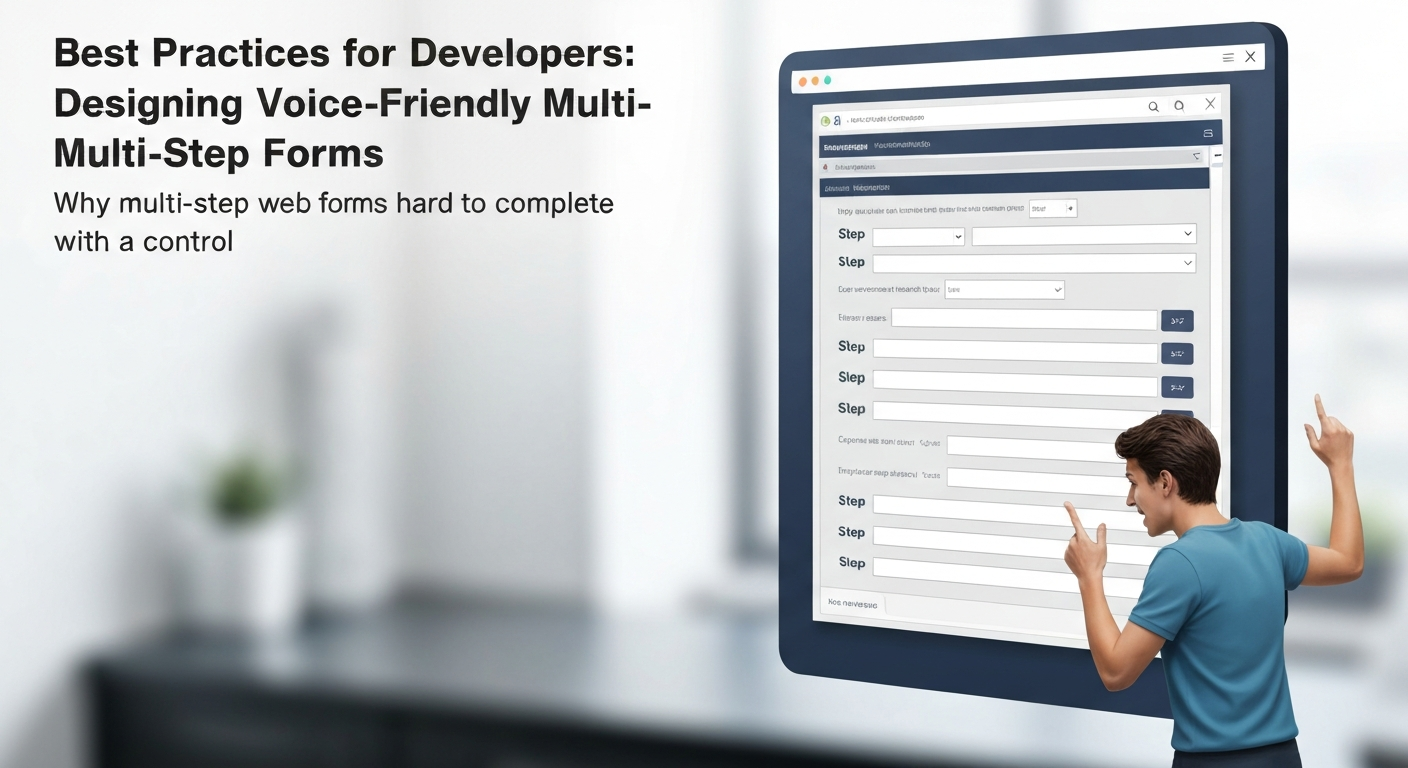
Designing Voice-Friendly Multi-Step Forms
Developers often overlook that the core of "why multi-step web forms are hard to complete with voice control" lies in their foundational markup. Building forms with semantic HTML from the outset is non-negotiable. Always use native elements like `Beyond Forms: Improving Voice Accessibility for Complex Online Workflows
The challenges of voice-controlled forms extend far beyond individual input fields, revealing deeper issues in how organizations approach entire online workflows. While a single form might be frustrating, a series of inaccessible steps can render an essential service unusable. For example, a disabled person in British Columbia attempting to renew their provincial health card online faces not just one form, but an application process spanning multiple pages, identity verification steps, and document uploads. If each step presents unique voice control hurdles, the cumulative effect is exclusion.
A holistic approach to accessibility demands consistent naming conventions and clear command structures across an entire website or application. This means applying the same principles used for form field labels to navigation menus, button texts, and interactive components. When a user can say "Next step" or "Confirm booking" with predictable results, regardless of the page, cognitive load decreases significantly. Robust error handling is also critical; a voice user needs explicit feedback if a command fails or an input is invalid, rather than silent failure or a generic error message. An accessible system might verbalize, "Error: Please enter a valid 10-digit phone number," instead of just displaying a red outline.
Designing for progressive disclosure, where complex tasks are broken into manageable, voice-navigable steps, reduces the cognitive burden that makes multi-step web forms hard to complete with voice control. This strategy minimizes the number of interactive elements on screen at any given time, simplifying the voice command landscape. Considering the psychological impact of repeated failures is also essential. Repeatedly encountering inaccessible digital barriers erodes trust and fosters feelings of exclusion, undermining an organization's commitment to equity. Moreover, poor digital accessibility creates significant legal risks under the Accessible Canada Act and provincial legislation like the AODA, alongside reputational damage for organizations that fail to serve all Canadians effectively.
The Future of Voice Control and Web Form Interaction: Innovations on the Horizon
Innovation for Voice-Controlled Forms: A Future Outlook
While the present state of voice control interaction with multi-step web forms presents challenges, the horizon shows promise. The very difficulties that make multi-step web forms hard to complete with voice control are driving innovation in AI and human-computer interaction. Advanced Natural Language Processing (NLP) is moving beyond simple command recognition to understanding conversational intent. For example, a system could infer the correct form for registering for an accessibility conference, navigate initial steps, and pre-fill known information, rather than requiring explicit field-by-field commands.
Standardization efforts also promise to simplify voice interactions. Imagine a universally recognized command like "next field" or "submit form" that works consistently across government portals, banking applications, and retail sites. This consistency would drastically reduce the cognitive load for users and the development burden for designers. Simultaneously, personalized voice profiles could adapt to unique speech patterns and accents, a significant improvement for users with diverse linguistic backgrounds or speech impediments in places like rural Saskatchewan.
Multimodal interfaces, integrating voice with inputs like gaze tracking or head gestures, offer another layer of flexibility. A user could verbally select an option while their gaze confirms the target, reducing misinterpretations that plague current single-modality systems. This integration would be particularly beneficial for complex forms, such as those for disability support applications in Ontario, where precision is paramount. Market pressure for reliable voice interaction will continue to fuel these advancements.
Frequently Asked Questions (FAQ)
Addressing common questions clarifies why multi-step web forms are hard to complete with voice control and how to improve them. These quick answers offer practical insights for both users and developers.
Quick Reference: Voice Control & Forms
Voice control struggles with ambiguous labels, dynamic content changes, and the lack of unique identifiers for interactive elements. A person registering for a course might find themselves repeatedly saying "click next" only for the system to misinterpret it as "click text," forcing manual correction.
Navigation between steps is a primary barrier. Users often lack clear voice commands for "next page" or "previous step." For instance, a disabled person applying for a federal grant online might get stuck on a summary page with no clear voice command to proceed to submission, leading to abandonment.
Implement clear, unique aria-label attributes for all interactive elements, ensure logical tab order, and provide explicit instructions for voice commands. Using the autocomplete attribute on input fields also significantly reduces input effort, as recommended by WCAG 2.1 AA Success Criterion 1.3.5.
WCAG 2.1 Success Criterion 3.3.4 (Error Prevention, Legal, Financial, Data) is critical. It is Level AA and applies to pages that create legal commitments or financial transactions, change or delete user data, or submit test responses, where submissions must be reversible, checked for errors, or confirmed, which helps when voice control misinterpretations occur. Also, 4.1.2 (Name, Role, Value) ensures elements are programmatically discernible for assistive technologies, including voice control software like Dragon Professional.
Testing with real voice control software, such as Voice Access in Windows, macOS Voice Control, or dedicated tools like Dragon Professional, is essential. Browser developer tools can also inspect ARIA attributes and tab order. Simulators are useful, but direct interaction reveals nuanced issues.
Improved form completion rates, reduced user frustration, and expanded access for disabled people. A well-designed form allows a user with limited mobility to independently complete an online course registration at a university, rather than needing assistance, fostering greater autonomy and inclusion.
Frequently Asked Questions
Why are multi-step web forms so hard to complete using voice commands?
What are the common frustrations when using voice control for online forms?
How can form design improve voice accessibility for multi-page processes?
Is it possible to navigate complex web forms effectively with voice control?
Can WCAG guidelines help make multi-step forms more voice-friendly?
Keep reading
All articles →
Automated Accessibility Scanners vs. Testing with Assistive Technology Users
Automated accessibility scanners are vital for a baseline, but relying solely on them misses most WCAG issues. The key is understanding their distinct roles, not choosing one over the other for full compliance.

Switch Access, Eye Tracking and Voice Control: How Each Works and Where It Fits
Many disabled people with limited mobility face barriers to computer use due to universal mouse and keyboard assumptions. Switch access, eye tracking, and voice control offer specialized pathways, enabling interaction through minimal movement or voice.

CAPTCHA and Online Verification: Accessibility Barriers and Better Alternatives
Why CAPTCHA and similar verification steps shut out disabled people, what WCAG and Canadian accessibility law require, and verification methods that work for everyone.