

The Handoff Problem: When Voice AI Should Yield Control
The handoff problem arises when voice AI fails to recognize its limitations, creating a fundamental mismatch in conversational control. Users often get trapped in frustrating loops, unable to complete tasks or reach a human, leading to significant drops in satisfaction.

What is 'The Handoff Problem' in Voice AI?
The core of the handoff problem isn't just about technical failure; it's about a fundamental mismatch in conversational control, where an automated voice agent fails to recognize when its capabilities are exhausted and a human or alternative interface is needed. This often leaves users, for example when working through complex banking inquiries on an automated phone system, feeling trapped in endless loops, unable to complete their tasks or reach a live agent. Repeated misunderstandings with a voice agent quickly wear down user satisfaction, which makes this design flaw urgent to address.
The handoff problem manifests as a critical juncture where a voice assistant, despite its advanced natural language processing, cannot fulfill a user's request. Instead of gracefully transferring the interaction, it persists, often repeating irrelevant options or misinterpreting intent. For example, a user trying to dispute an incorrect charge on their credit card might find themselves endlessly routed through menu options for "checking account balances" or "recent transactions," without a clear path to speak with a dispute resolution specialist. This leads to profound user frustration.
Effective resolution requires embracing the principle of 'mixed-initiative dialogue,' a crucial concept for human-AI collaboration that allows both the user and the agent to assume control as appropriate. Rather than the agent rigidly dictating the flow, a well-designed system would offer explicit options for escalation, clarification, or a shift to a visual interface. The increasing reliance on these technologies makes a clear, user-controlled handoff not merely a convenience, but a necessity for system credibility and user trust in Canadian customer service environments.
Why a Smooth Handoff Matters: User Experience, Efficiency, and Trust
Why a Smooth Handoff Matters: User Experience, Efficiency, and Trust
Ignoring the "handoff problem: when a voice agent should give control back to the user" often leads to a cycle of user frustration and operational inefficiency. Many voice AI deployments prioritize initial task automation over the critical moments when the system fails, leaving users feeling trapped. This oversight directly impacts user satisfaction, erodes trust, and ultimately inflates operational costs for Canadian businesses.
A user's perception of being stuck or unheard by a voice agent can quickly turn a helpful interaction into a demeaning one. Consider a disabled person attempting to rebook an accessible paratransit service in Vancouver, only to be met with repeated misunderstandings from the IVR. When the system insists on continuing a dialogue despite clear signals of distress or a desire to speak with a human, it can feel patronizing. This feeling of being infantilized by technology undermines the very purpose of an assistive tool.
There is a clear connection between poor voice UI design and tangible business consequences. When a voice agent repeatedly fails to interpret intent, user satisfaction drops, often leading to an escalation to a live agent. This not only frustrates the user but also burdens call centers with interactions that could have been resolved more efficiently, incurring costs.
Building trust in voice AI systems depends on their perceived helpfulness, not just their capability to automate simple tasks. A user-controlled handoff transforms a potential point of failure into an opportunity to reinforce that the system is there to assist, not to dictate. This proactive yielding of control ensures users view voice agents as valuable tools rather than frustrating barriers, fostering long-term engagement and reducing churn for services like banking or government information lines across Canada.
Common Scenarios Where Voice Agents Fail (and Users Need Control)
Voice agents often present a smooth facade, but many real-world interactions quickly expose their limitations, particularly when users need to accomplish anything beyond a simple, single-step request. The core issue isn't always the agent's inability to understand, but its failure to recognize when it's out of its depth or when a human touch is genuinely preferred.
When Voice Agents Excel
- Simple, Direct Queries: Retrieving a single piece of information, like "What's the weather in Ottawa?"
- Transactional Tasks (Single Step): Initiating a predefined action, such as "Play my morning playlist."
- Low-Stakes Interactions: Where errors have minimal consequences, like setting a timer or asking for a fun fact.
- Repetitive, Predictable Commands: Controlling smart home devices ("Turn off the lights in the living room").
Common Voice Agent Failure Points
- Complex Multi-step Tasks: A user trying to dispute a specific charge on their credit card while simultaneously checking their balance often gets stuck in a loop.
- Repeated Misunderstandings: A senior in Alberta trying to reset a forgotten password for their online banking, repeatedly misheard by the agent, without an option to connect to a human.
- Emotional or Sensitive Topics: Discussing a healthcare issue with an automated voice, where empathy and nuanced understanding are critical, is deeply frustrating for many.
- Unrecognized Intents: When a user asks "Can I get a refund for a damaged product?" and the agent only offers "Check order status," without offering a clear path to a human agent.
- Information Overload/Underload: A user asking for eligibility criteria for a federal disability benefit, and the agent either recites an entire page of legislation or provides only vague, unhelpful generalities.
These scenarios highlight a crucial aspect of the handoff problem: when a voice agent should give control back to the user. The design imperative shifts from simply improving agent accuracy to intelligently recognizing the boundaries of its utility and offering a graceful exit, preserving user trust and reducing friction.
Signs It's Time for the Agent to Yield: Triggers for Handoff
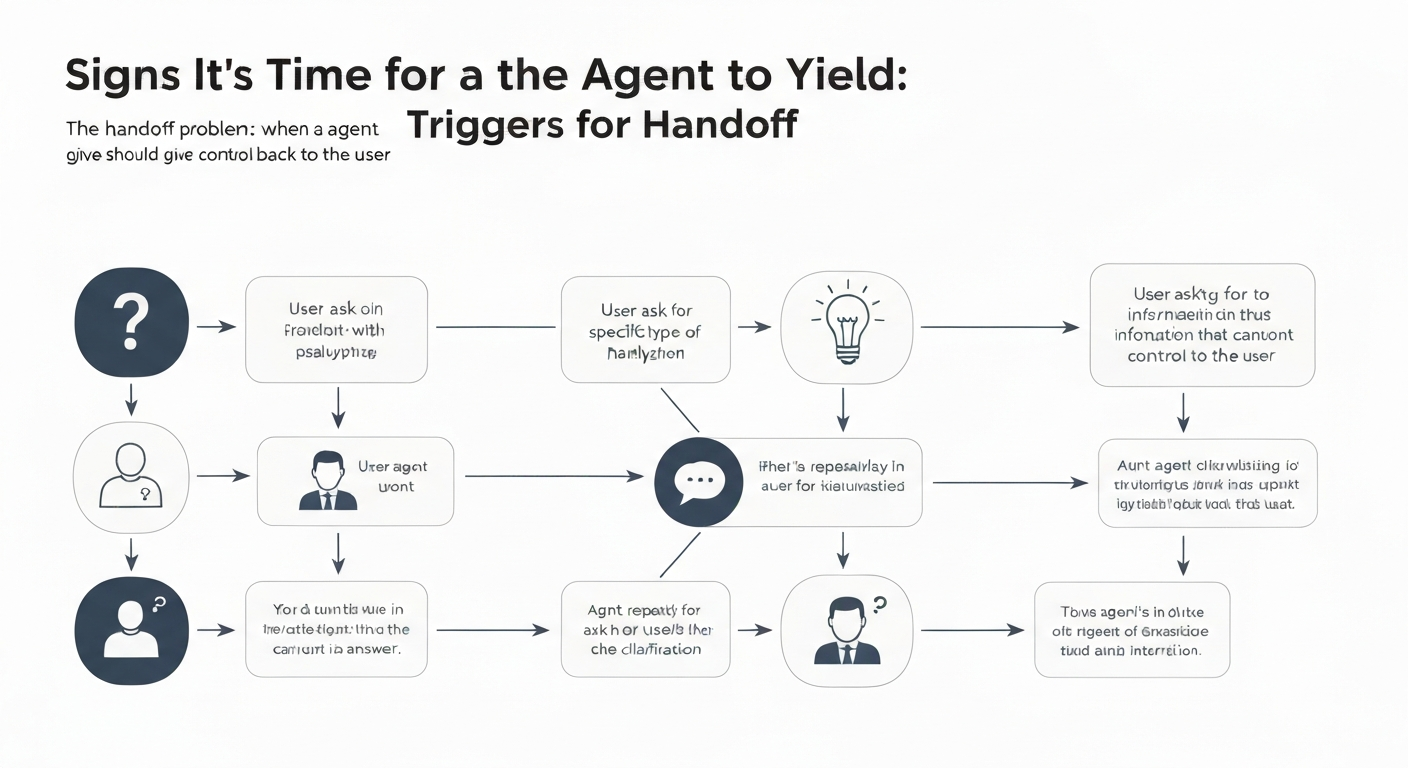
Signals for the Agent to Yield
The most common failure in voice AI isn't a lack of capability, but a lack of knowing when to step back. A practical framework for voice interface designers requires identifying clear signals that indicate a user's need or desire to take control or be transferred to a human. This proactive yielding addresses the frustration users feel when a voice assistant repeatedly misunderstands their intent.
Designers should build decision trees around both explicit and implicit cues. Commands that explicitly request human assistance or a transfer are unmistakable. However, implicit signals are just as critical: repeated failed attempts to understand intent drastically reduce user satisfaction. Detecting an escalation in user emotion or tone, such as frustration or urgency, requires sophisticated natural language processing and careful ethical considerations, particularly regarding user privacy under PIPEDA. Furthermore, requests involving complex, multi-variable tasks, like updating multiple beneficiaries on a life insurance policy, which often requires visual confirmation, are best handled by a human or a screen interface. Out-of-domain requests, where a user asks something beyond the agent's programmed scope (e.g., a query about investment advice to a municipal parking bot), should immediately trigger a handoff option to prevent the user from feeling trapped. Even prolonged silence or repeated "umms" and "uhhs" can signal confusion, indicating that the voice agent should offer to yield control, addressing the core of the handoff problem: when a voice agent should give control back to the user.
Implementing these triggers allows voice AI systems to operate with greater empathy and efficiency, reducing the likelihood of users abandoning the interaction. By actively monitoring for these signals, designers can create more resilient and user-centric voice experiences, moving beyond simple task completion to genuine user support.
Designing for Graceful Handoff: Strategies and Best Practices
Effective voice UI design anticipates user needs and provides clear pathways for taking control, especially when addressing the handoff problem: when a voice agent should give control back to the user. Implementing a graceful handoff requires deliberate design choices that prioritize user autonomy and context.
Offer Proactive Handoff Prompts
Don't wait for user frustration to boil over. After two unsuccessful attempts to understand a user's request, a voice agent in a Canadian bank's customer service line might offer, "I'm having trouble understanding your request about your mortgage. Would you like to speak to a representative, or would you like to try again using different words?" This prevents the common pain point of feeling trapped in an endless loop.
Preserve Conversation Context
When a user transitions from a voice agent to a human agent or a web interface, all relevant information gathered by the AI must transfer without interruption. If a user has spent five minutes explaining a billing dispute to a voice bot for a utility company in Alberta, the human agent receiving the call should have immediate access to that transcript or summary. This prevents the user from repeating information, a significant driver of dissatisfaction.
Establish Clear Handoff Pathways
Users need explicit commands to initiate a handoff at any point. A voice assistant for a municipal service in Vancouver should always respond to phrases like "Connect me to a person," "Speak to an agent," or "Help me out." These pathways should be communicated upfront during onboarding, ensuring users know they have an escape route from complex voice menus.
Design Multi-Modal Handoffs
Provide options beyond just a human agent. For instance, voice agents can provide options for individuals updating their information with organizations, such as connecting them to a human agent or sending a direct link via SMS for online updates. This flexibility allows users to choose their preferred method of interaction and control, aligning with accessibility best practices for diverse user needs.
Giving users control effectively.
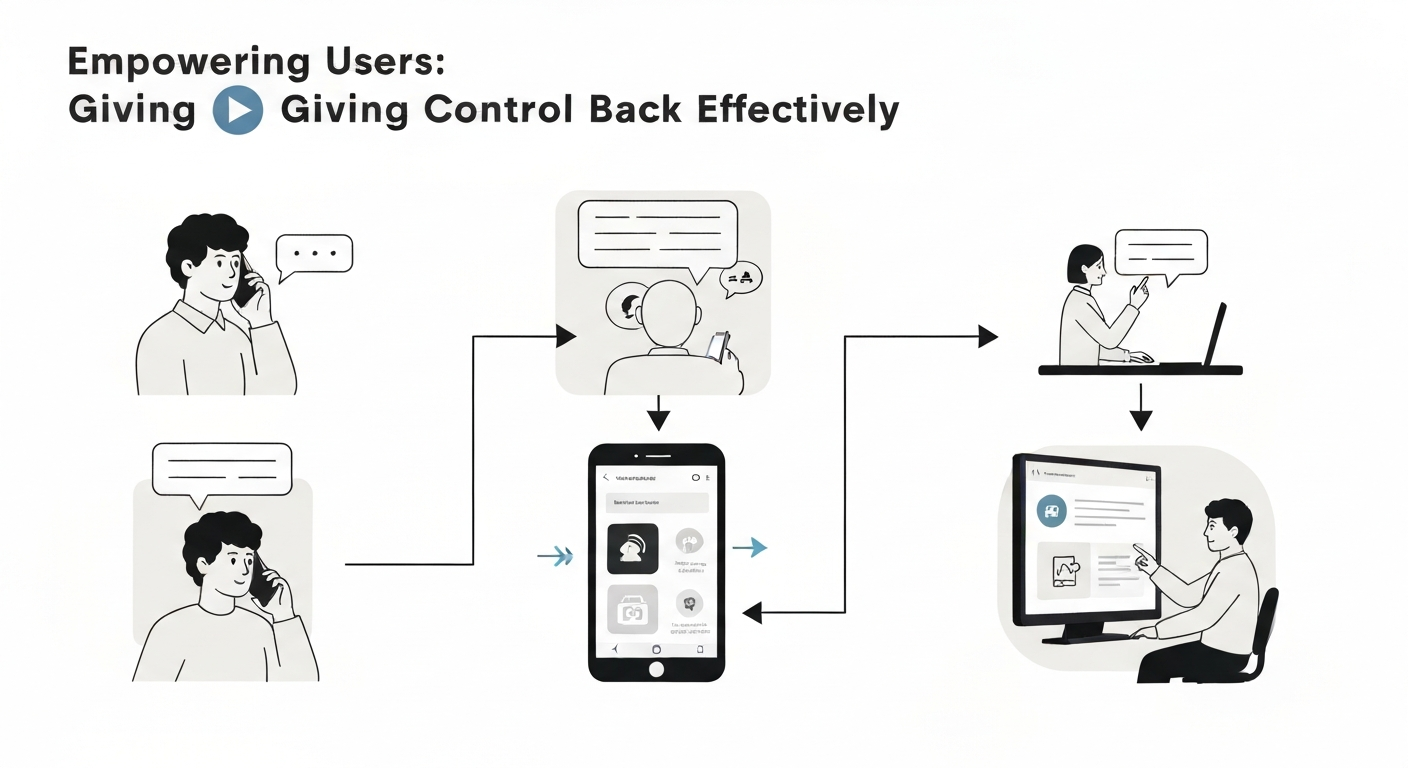
Providing users with control during a voice agent handoff means giving them clear, immediate options to regain control, preventing the common frustration of being trapped in a conversational loop. The goal is to make the transition feel like a collaborative choice, not an abandonment, directly addressing frustration with voice assistant loops that plague many current systems.
For instance, when a user asks about a complex mortgage product, a voice agent in a Canadian bank might offer to transfer directly to a live agent in the mortgage department. This ensures the full context of the voice interaction, such as the user's initial query and any attempted troubleshooting, is passed along, eliminating the need for repetition. Users get frustrated when voice assistants fail to understand their intent multiple times; a clear handoff mitigates this.
Alternative handoff methods cater to different user needs and task complexities. For example, if a user is trying to update their address via a government service line in British Columbia, the voice agent could offer to send an SMS with a link to a pre-filled web form. This shifts the task to a visual interface where it's often more efficient to input detailed information, promoting user control in voice interfaces.
The core of solving the handoff problem: when a voice agent should give control back to the user lies in anticipating user frustration and preemptively offering practical, accessible alternatives. Options like a 'call me back' feature, which holds the user's place in a queue without requiring them to stay on the line, respect their time and agency. Similarly, guiding users to a specific section of a self-service portal for independent task completion can be highly effective for routine inquiries that don't demand live assistance.
Designing effective handoff mechanisms requires understanding user preferences and the specific context of their interaction. The table below illustrates common handoff methods and their typical use cases in Canadian customer service environments.
| Handoff Method | Primary Use Case | Benefit to User | Example Scenario |
|---|---|---|---|
| Direct Transfer to Live Agent | Complex, sensitive, or urgent issues | Immediate human support; context preserved | Reporting fraud to a major bank; medical emergency |
The Role of Accessibility in Handoff DesignThe Role of Accessibility in Handoff DesignThoughtful handoff design is not merely a user experience nicety; it is a fundamental accessibility requirement. For disabled people, particularly those with cognitive, speech, or motor impairments, a poorly executed handoff can transform a minor inconvenience into a significant barrier, leading to feelings of being trapped or unheard. Consider a user with a mild cognitive impairment attempting to navigate a provincial healthcare voice system for prescription refills. If the system's handoff prompt uses jargon like "escalate to tier-two support" or offers a fleeting window to confirm, that user may struggle to understand their options or act in time, rendering the service inaccessible. Clear, unambiguous language is paramount. Prompts for transferring control or offering alternative input must avoid complex phrasing that might confuse users with cognitive impairments. Instead of "To optimize your service delivery, we can transition you to a specialist," a system should state, "Would you like to speak to a person?" or "Say 'agent' to connect with someone." For people with speech impairments or those in noisy environments, offering touch-tone options (e.g., "Press 0 to speak to a representative") alongside voice commands provides a critical fallback. This multimodal approach reflects the aim of WCAG 2.1 Guideline 2.5 Input Modalities, which is to make functions easier to operate through inputs beyond the keyboard, although WCAG is written for web content rather than phone systems. Furthermore, flexible timing and generous response windows for handoff confirmations are essential for users with motor impairments who may require more time to speak or activate an input, or for those with slower processing speeds. Ignoring these considerations contributes to the broader "handoff problem: when a voice agent should give control back to the user" and can lead to disabled users abandoning the service entirely, increasing call centre volumes and decreasing overall satisfaction. Proactive testing with diverse user groups, including those with various disabilities, is not optional; it is the only way to ensure inclusive handoff design that meets the spirit and letter of Canadian accessibility legislation.Measuring Handoff Success: Metrics and Feedback LoopsEffective handoff design requires consistent measurement and iterative refinement. Simply implementing a handoff mechanism is insufficient; teams must track specific metrics to understand when and how a voice agent should give control back to the user. Users are frustrated when voice assistants repeatedly misunderstand their intent, which directly affects satisfaction metrics if handoffs are poorly managed. Key performance indicators (KPIs) provide clear insights. The **Handoff Rate** tracks the percentage of interactions requiring escalation to a human agent or another channel, like a web chat. A high handoff rate might signal the voice AI is struggling with common queries. Conversely, a low rate could mean users are getting stuck without an escape route. After a handoff, the **Resolution Rate Post-Handoff** measures whether the user's original issue was successfully addressed, indicating the handoff's effectiveness. If users still cannot resolve their problem after being transferred, the process itself needs re-evaluation. **Customer Satisfaction (CSAT) and Net Promoter Score (NPS)** surveys should include specific questions about the handoff experience. This direct feedback helps pinpoint user pain points, such as lengthy hold times post-transfer or the need to repeat information. For instance, if a disabled person in Alberta uses a voice assistant to manage their utility bill and is transferred, feedback on the clarity of the transfer and the agent's immediate understanding of their context is crucial.Frequently Asked QuestionsWhat does 'the handoff problem' mean in voice AI?The 'handoff problem' in voice AI refers to the challenge of transferring interaction control from an automated voice agent back to a human user, or sometimes to a human agent. This friction occurs when the voice system can no longer understand the user's intent, requires complex input, or reaches the limits of its programmed capabilities. For a disabled person using a voice interface for essential tasks, an abrupt or unclear handoff can lead to frustration, task abandonment, and significant accessibility barriers, especially if alternative input methods are not readily available or accessible. Why is it crucial for voice agents to return control to the user?Returning control to the user is crucial for maintaining trust, ensuring task completion, and upholding accessibility standards. When a voice agent fails to gracefully hand off, users, particularly those with cognitive or motor disabilities relying on voice as a primary interface, can become stuck in loops, unable to progress. WCAG 2.1 is written for web content, so it does not directly govern phone-based voice agents, but for web and app interfaces its error criteria, such as 3.3.1 Error Identification (Level A), point the same way. A clear handoff prevents user frustration and ensures equitable access to services, such as booking a paratransit ride in Ottawa. How can voice assistants identify when to give control back?Voice assistants identify handoff points through several mechanisms. They monitor for repeated misunderstandings, explicit user requests like "I need a human," or when a task requires information outside their knowledge base, such as complex legal advice. Systems also detect when a user's intent becomes ambiguous after multiple turns, or when a requested action falls outside the agent's defined scope, like needing to verify a specific medical record number for a patient in a Vancouver hospital. Designing for these thresholds ensures the system recognizes its limitations and transfers control proactively. Can users explicitly regain control from a voice agent?Yes, users can and should be able to explicitly regain control from a voice agent. Designing for explicit commands like "speak to an agent," "start over," or "cancel" provides essential user agency. This is particularly vital for disabled users who might encounter unexpected system behaviours or need to navigate complex menus. For instance, a user trying to update their address with a government agency by voice should always have a clear verbal escape route if the system struggles with their specific postal code, preventing them from being trapped in an unresolvable interaction. How do you design a graceful handoff experience for voice AI?Designing a graceful handoff involves clear communication, setting expectations, and providing actionable alternatives. The voice agent should explicitly state its limitation, such as an inability to help with a specific request while offering to connect to a support agent. Offering choices, like "Would you like to speak to someone, or would you prefer I send you a link to our online form?" helps the user. Ensuring the human agent receives context from the voice interaction, such as a transcript of a call about a lost credit card with a Canadian bank, minimizes repetition and frustration for the user. Keep readingAll articles → Automated Accessibility Scanners vs. Testing with Assistive Technology UsersAutomated accessibility scanners are vital for a baseline, but relying solely on them misses most WCAG issues. The key is understanding their distinct roles, not choosing one over the other for full compliance.  Switch Access, Eye Tracking and Voice Control: How Each Works and Where It FitsMany disabled people with limited mobility face barriers to computer use due to universal mouse and keyboard assumptions. Switch access, eye tracking, and voice control offer specialized pathways, enabling interaction through minimal movement or voice.  CAPTCHA and Online Verification: Accessibility Barriers and Better AlternativesWhy CAPTCHA and similar verification steps shut out disabled people, what WCAG and Canadian accessibility law require, and verification methods that work for everyone. |