

Why Voice-First Interfaces Will Not Replace Screen Readers: A Deep Dive
Screen readers and voice-first interfaces differ fundamentally in design philosophy and accessibility objectives, beyond just input methods. Understanding these core distinctions clarifies why voice-first interfaces will not replace screen readers for comprehensive digital access.
Voice-First vs. Screen Readers: Complementary, Not Substitutes
The popular assumption that voice-first interfaces like Amazon Alexa or Google Assistant will eventually render screen readers obsolete misunderstands their core design. Voice assistants are primarily general-purpose convenience tools, while screen readers are purpose-built accessibility technologies designed for granular, contextual navigation of digital interfaces. This fundamental difference means that while a senior in Calgary might ask Alexa for a weather update, they cannot use it to navigate complex government forms on a provincial website with the precision offered by NVDA or JAWS. Why voice-first interfaces will not replace screen readers boils down to a distinct philosophical approach to digital interaction. This distinction is crucial for understanding digital inclusion. Screen readers, like VoiceOver on an iPhone, interpret the entire accessibility tree of a digital interface, providing users with visual impairments a comprehensive understanding of content, structure, and interactive elements. They allow navigation by headings, links, form fields, or even character-by-character, a level of detail essential for tasks like editing a document or reviewing a complex data table. Voice assistants, conversely, excel at processing natural language commands for specific, often simpler, tasks. The misconception that voice technology advancements negate the need for dedicated accessibility tools is a common user pain point. While an individual with limited mobility might find a voice assistant helpful for turning on lights, it cannot replicate the deep, contextual interaction a screen reader provides for a blind user trying to discern the nuances of an online banking portal. This clarity is vital for advocating for continued investment in dedicated accessibility technologies under frameworks like the Accessible Canada Act and AODA. Understanding these architectural differences and their implications for user control is essential, as the next section will explore how screen readers "see" the web through the accessibility tree, a concept fundamentally distinct from the Natural Language Processing employed by voice-first systems.At-A-Glance: Screen Readers vs. Voice-First Interfaces
The distinction between screen readers and voice-first interfaces is not merely one of input method; it reflects fundamentally different design philosophies and accessibility objectives. Understanding these core differences clarifies why voice-first interfaces will not replace screen readers for comprehensive digital access, even as both technologies advance.
| Feature/Aspect | Screen Readers | Voice-First Interfaces (e.g., Alexa, Google Assistant) |
|---|---|---|
| Purpose | Comprehensive, detailed navigation and interpretation of digital content for users with print disabilities. | Quick commands, information retrieval, and task execution via spoken language. |
| Interaction Model | Keyboard shortcuts, touch gestures, Braille displays for precise element-by-element navigation. | Spoken commands and natural language processing (NLP) for broader, intent-based interactions. |
| Granularity of Control | Highly granular; navigate by heading, link, paragraph, word, or character. Essential for complex web content. | Lower granularity; command-driven for specific actions, often struggles with detailed content exploration. |
| Information Parsing | Interprets the accessibility tree (derived from the DOM) for semantic understanding and structural context. | Relies on NLP and intent recognition to understand spoken queries and execute predefined actions. |
| Privacy & Data | Largely local processing; minimal cloud dependency for core functionality. | Often cloud-based; requires continuous audio processing and data transmission for full functionality. |
| Best Use Case | In-depth web browsing, document editing, complex application interaction, and form completion. | Setting timers, checking weather, playing music, initiating calls, smart home device control. |
This side-by-side view underscores that while both technologies employ auditory output, their underlying architecture and user interaction paradigms are distinct. Screen readers prioritize granular control and semantic understanding of digital interfaces, a capability voice-first systems generally lack.
Understanding Screen Readers: More Than Just Reading Aloud
Understanding Screen Readers: More Than Just Reading Aloud
The misconception that screen readers merely "read aloud" oversimplifies their sophisticated role in digital accessibility. These are not simple text-to-speech tools; they are comprehensive software applications built to interpret, navigate, and present digital content non-visually, offering a complete interactive experience for users with visual impairments. For many blind people and people with low vision, screen readers are often the primary gateway to online information and services.
Screen readers like JAWS, NVDA, and Apple's VoiceOver, consistently highlighted in WebAIM's Screen Reader User Survey, offer robust features extending far beyond basic narration. They provide an auditory representation of the entire user interface, including structural elements like headings and lists, interactive controls, and text content. This allows users to navigate by specific elements, jumping between headings, listing all links, or tabbing through form fields, providing a granular control that voice-first interfaces typically lack. They work most reliably on content that meets standards such as WCAG 2.1 AA, because conformance depends on how the content is built, not on the screen reader.
The core difference in interaction models is critical to understanding why voice-first interfaces will not replace screen readers. Screen readers translate the accessibility tree into an actionable, navigable interface, giving disabled users direct control over content exploration. This contrasts sharply with the command-and-response nature of most voice assistants, which rely on Natural Language Processing (NLP) to interpret intent rather than providing a detailed structural overview.
The Rise of Voice-First Interfaces: Capabilities and Limitations
Voice-first interfaces like Google Assistant or Apple's Siri have transformed how many people interact with technology, moving beyond touchscreens to natural language commands. However, their core design for convenience and quick task execution presents inherent limitations when assessing comprehensive accessibility, particularly when considering why voice-first interfaces will not replace screen readers.
Voice-First Strengths
- Hands-Free Interaction: Ideal for setting timers, playing music, or checking weather when hands are occupied, such as for a parent managing toddlers in Calgary.
- Simple Commands: Excels at direct, unambiguous requests like "What's the capital of Manitoba?"
- Quick Information Retrieval: Provides fast answers to factual questions without needing to navigate a visual interface.
- Environmental Control: Can manage smart home devices (e.g., "Turn off the lights in the living room") via verbal commands.
Voice-First Limitations for Accessibility
- Ambiguity and Context: Struggles with nuanced requests or dynamic web content, often requiring precise phrasing that increases cognitive load.
- Lack of Granular Control: Cannot replicate the detailed navigation by heading, link, or paragraph that screen readers like NVDA offer users in Ontario.
- Limited Exploration: Does not allow for comprehensive review or exploration of poorly structured or non-standard digital content.
- Reliance on NLP: Its dependence on Natural Language Processing means it often misinterprets intent, leading to frustration for users seeking specific information within complex documents.
The distinction between voice control and deep structural understanding is critical. While a voice assistant can initiate a task, it lacks the screen reader's ability to interpret and convey the underlying architecture of a webpage, which is essential for many disabled users to navigate complex digital environments effectively.
Fundamental Differences in How They 'See' the Web (Accessibility Tree vs. NLP)
How They 'See' the Web: Accessibility Tree vs. NLP
The core distinction between screen readers and voice-first interfaces lies not in their output, but in their fundamental methods of interpreting digital content. Screen readers parse the Document Object Model (DOM) and, crucially, the accessibility tree. This semantic representation of a user interface is purpose-built for assistive technologies, allowing tools like NVDA or JAWS to understand element roles (e.g., button, link), states (e.g., checked, expanded), and properties. This rich context is essential for precise navigation and interaction, enabling a user to jump between headings or list items on a complex government website like Canada.ca.
Conversely, voice assistants, such as those integrated into smart home devices or mobile operating systems, primarily rely on Natural Language Processing (NLP) and intent recognition. They interpret spoken commands, matching them to predefined actions or information retrieval tasks. For instance, asking "What's the weather in Calgary?" triggers a specific data query, but doesn't grant granular control over the weather app's underlying interface structure. This architectural difference is why voice-first interfaces will not replace screen readers.
This technical disparity means screen readers offer granular control, allowing a user to navigate a webpage by heading, link, paragraph, or even character. This level of detail is typically absent in voice-first interfaces, which prioritize command execution over structural exploration. A user with low vision using a screen reader can scrutinize an inaccessible PDF on a university portal, while a voice assistant would likely only offer to open or search it, failing to provide the deep, structural understanding necessary for true content engagement.
Why Granular Control Matters: Navigation, Interaction, and Context
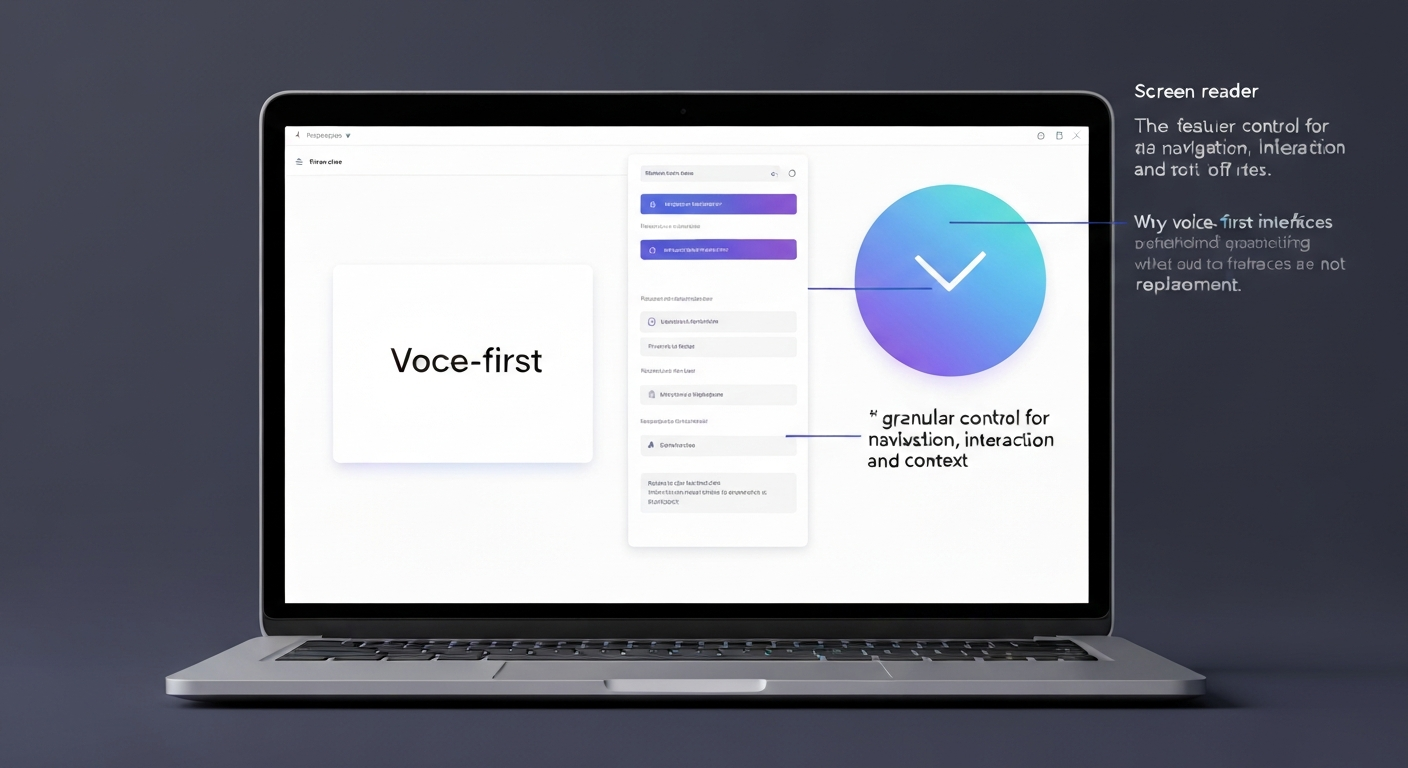
The assumption that voice-first interfaces could fully replace screen readers overlooks a critical distinction: granular control. Screen readers offer users precise command over digital content, enabling them to explore meticulously, jump between specific elements, and understand the hierarchical structure of a page. A user filling out a complex tax form on the Canada Revenue Agency website, for instance, can navigate field by field, review previous entries with character-level precision, and confirm section headings using JAWS or NVDA. This level of detail is paramount for accuracy and confidence.
Voice interfaces, by contrast, often demand clear, unambiguous commands. While useful for simple tasks like "Alexa, what's the weather in Vancouver?", they struggle with the dynamic and complex web content common in professional or government applications. Asking a voice assistant to "read the third paragraph of the legal disclaimer, then jump to the fifth bullet point under 'Terms and Conditions'" frequently results in frustration or misinterpretation. This imposes a significantly higher cognitive load, especially for users with certain cognitive impairments who rely on predictable, explicit interaction models.
The fundamental architectural differences mean voice-first interfaces will not replace screen readers for tasks requiring nuanced, precise engagement with digital environments. Screen readers interpret the Document Object Model (DOM) and accessibility tree, providing a structured, navigable representation. Voice assistants, relying on Natural Language Processing (NLP), often prioritize intent recognition over granular element exposure, creating a significant gap in accessibility for many disabled people.
Addressing Diverse Needs: When Voice Falls Short for Specific Disabilities
Voice-first interfaces, while beneficial for some, present significant barriers for others, illustrating precisely why voice-first interfaces will not replace screen readers. Their reliance on auditory feedback and precise command structures can exclude large segments of the disabled community, demanding dedicated tools like screen readers to ensure true digital inclusion.
Voice Input Strengths
- Hands-Free Operation: Useful for users with some mobility impairments who struggle with keyboard or mouse input.
- Task Initiation: Can quickly launch applications or perform simple searches (e.g., "Open Google Maps").
- Reduced Typing: For text entry, dictation can be faster than typing for many users.
- Environmental Control: Integrates well with smart home devices for basic environmental interactions.
Voice-First Limitations
- Cognitive Load: Users with cognitive impairments, like those with ADHD or certain learning disabilities, often find the need for precise, repeatable commands and potential for misinterpretation in voice interfaces increases frustration.
- Deafblind Inaccessibility: Completely inaccessible for deafblind individuals who rely on refreshable braille displays connected to screen readers, as voice interfaces offer no tactile output.
- Complex Navigation: Fails to provide the granular feedback and detailed navigation required for complex web forms or data tables, a core function of screen readers.
- Privacy Concerns: Cloud-based processing of voice commands raises privacy questions, unlike largely local screen reader operations.
The assumption that voice assistants universally enhance accessibility overlooks critical user needs. This distinction underscores that voice-first tools are not a universal solution.
Ensuring True Accessibility: Beyond Just Voice Commands
Ensuring True Accessibility: Beyond Just Voice Commands
The core objective of digital accessibility is to provide equitable access and experience for all users, a goal voice-first interfaces, by their design, cannot fully achieve on their own. This isn't about technological limitations as much as it is about fundamental design philosophy. Voice commands offer a valuable input method, but they do not inherently provide the comprehensive information architecture or granular control that robust accessibility tools like screen readers deliver. For instance, a user with limited vision navigating a complex banking website needs to understand the page structure, identify headings, and distinguish form fields, not just initiate a transaction. Tools like JAWS and NVDA allow this precise exploration. Developers and designers must prioritize building accessible websites and applications compatible with screen readers, adhering to global standards like WCAG 2.1 AA. Relying solely on voice commands risks excluding significant portions of the disability community, particularly those with cognitive, speech, or deafblind impairments. A person with a severe speech impairment, for example, cannot reliably use voice commands, while a deafblind individual requires tactile output from a braille display connected to a screen reader. The discussion should shift from "can Alexa replace a screen reader" to "how can voice interfaces augment screen reader functionality for specific use cases," such as quickly checking a weather forecast or setting a timer for someone already using a screen reader. Ultimately, why voice-first interfaces will not replace screen readers boils down to their fundamentally different design philosophies and the distinct needs they serve, especially concerning granular control and detailed contextual awareness that the accessibility tree provides.Frequently Asked Questions
Why can't voice interfaces fully replace screen readers for web accessibility?
What are the key differences between how screen readers and voice assistants interact with websites?
How do screen readers offer more than just reading text aloud for visually impaired users?
Can voice-first technology fully address the accessibility needs of all people with disabilities?
Is granular control essential for web accessibility, and how do screen readers provide it?
Keep reading
All articles →
Automated Accessibility Scanners vs. Testing with Assistive Technology Users
Automated accessibility scanners are vital for a baseline, but relying solely on them misses most WCAG issues. The key is understanding their distinct roles, not choosing one over the other for full compliance.

Switch Access, Eye Tracking and Voice Control: How Each Works and Where It Fits
Many disabled people with limited mobility face barriers to computer use due to universal mouse and keyboard assumptions. Switch access, eye tracking, and voice control offer specialized pathways, enabling interaction through minimal movement or voice.

CAPTCHA and Online Verification: Accessibility Barriers and Better Alternatives
Why CAPTCHA and similar verification steps shut out disabled people, what WCAG and Canadian accessibility law require, and verification methods that work for everyone.