

The Invisible Maze: Why Date Pickers and Dynamic Checkouts Trap AT Users
For disabled people, the digital environment often feels like a series of unexpected dead ends. Standard date pickers and dynamic checkout flows frequently become invisible mazes for assistive technology users due to visual-first design patterns.

The Invisible Maze: Why Date Pickers and Dynamic Checkouts Trap Assistive Technology Users
For disabled people, the digital environment often feels like a series of unexpected dead ends, not an accessible experience. While seemingly innocuous, standard date pickers and dynamic checkout flows frequently become invisible mazes for assistive technology (AT) users because their visual-first design patterns fail to expose critical information or interactive elements to non-visual or non-mouse input methods. This oversight means a senior kindergarten teacher in Halifax using a screen reader to book a professional development course might encounter a calendar that announces "grid" but provides no discernible dates, or a voice control user in Vancouver trying to order groceries finds their command to "click next" ignored because the button only appears after a mouse hover. These common digital elements, built without adherence to standards like WCAG 2.1 AA, effectively lock out a significant portion of the online population.
Digital design often overlooks the needs of disabled people, transforming routine online tasks into frustrating, uncompletable challenges. Imagine a person with low vision attempting to select a delivery date on a grocery site where the calendar grid lacks proper ARIA labels, or a user relying on keyboard navigation getting trapped in a flight booking form that demands a mouse click to advance the month.
Understanding why date pickers and dynamic checkouts trap assistive technology users is crucial not only for ethical inclusivity but also for broader market reach. When websites present accessibility barriers, businesses inadvertently exclude disabled customers. This guide explores the specific design flaws that turn simple interactions into complex, unnavigable challenges for AT users, leading directly to abandoned carts and lost revenue.
A Day in the Life: User Stories of Navigating Inaccessible Interfaces
A Day in the Life: Navigating Inaccessible Interfaces
To truly understand why date pickers and dynamic checkouts trap assistive technology users, consider the daily digital frustrations faced by many Canadians. These aren't minor inconveniences; they are significant barriers that often lead to failed tasks and abandoned transactions.
For example, a blind person who uses the NVDA screen reader might try to book a flight for an upcoming conference. If the departure date picker on the booking site presents as an unlabelled grid, the task quickly breaks down. Instead of logical navigation cues like "next month" or "select day," the screen reader may announce individual numbers and arrows without context. The user might have to press Tab many times just to get to the correct month, then struggle to confirm a specific date, making screen reader date picker navigation impossible. This can force the user to call the airline directly, a process that adds significant time and friction.
Similarly, a person with a motor disability who uses voice commands might try to order groceries for delivery through a supermarket app. If the dynamic calendar for delivery slots demands precise mouse clicks to expand date ranges or select specific times, the task can stall. Voice commands, which rely on clearly labelled buttons and links, may fail to register on the custom calendar interface. The user can get stuck in a loop, unable to advance, illustrating how dynamic checkout accessibility problems can sideline voice control users.
Or consider a person with ADHD trying to complete an online purchase for art supplies. The checkout page frequently updates shipping costs and delivery estimates based on their selections, but these unannounced dynamic changes occur without proper ARIA live region alerts. The rapid shifts in information, combined with a ticking timer for the cart, create cognitive overload. The person might make an error, get confused, and eventually abandon the purchase, demonstrating how date picker accessibility issues and dynamic checkout problems extend beyond sensory disabilities to impact cognitive processing.
These scenarios highlight how standard web design, often built without accessibility in mind, creates an invisible maze for disabled users. This isn't just about individual frustration; it also leads to abandoned transactions.
The Invisible Calendar: Why Date Pickers Fail Screen Readers and Keyboards
Date pickers, ubiquitous across flight booking sites and grocery delivery apps, present an invisible maze for screen reader and keyboard users. These visually intuitive calendars often lack the underlying semantic structure necessary for accessible interaction, creating significant friction for a substantial user base. For instance, a screen reader user attempting to select a travel date on an airline website might hear "1," "2," "3" without the crucial context of the month or day of the week, forcing them to guess or abandon the task entirely.
Many date picker accessibility issues stem from their reliance on visual cues alone. A user navigating with a keyboard often gets trapped, unable to move focus between months, select a specific day, or even close the calendar without reverting to mouse interaction. This makes robust keyboard navigation for date pickers an impossible task on numerous platforms, directly contributing to why date pickers and dynamic checkouts trap assistive technology users.
Focus management is another common failure point. When a date picker component opens, keyboard focus frequently remains on the trigger element instead of shifting to the calendar grid. Without explicit ARIA attributes like aria-label for month navigation or aria-selected for the chosen date, screen readers cannot convey critical information. This forces users to navigate blindly, often leading to frustration and, ultimately, abandoned transactions.
The absence of clear instructions or alternative input methods, such as allowing users to simply type a date (e.g., "October 26, 2024"), further exacerbates the problem. This design oversight forces assistive technology users into a frustrating, often impossible, interaction loop where a seemingly simple task becomes an insurmountable barrier, highlighting precisely why many date pickers are inaccessible.
The Shifting Sands: How Dynamic Checkouts Confuse Assistive Technology
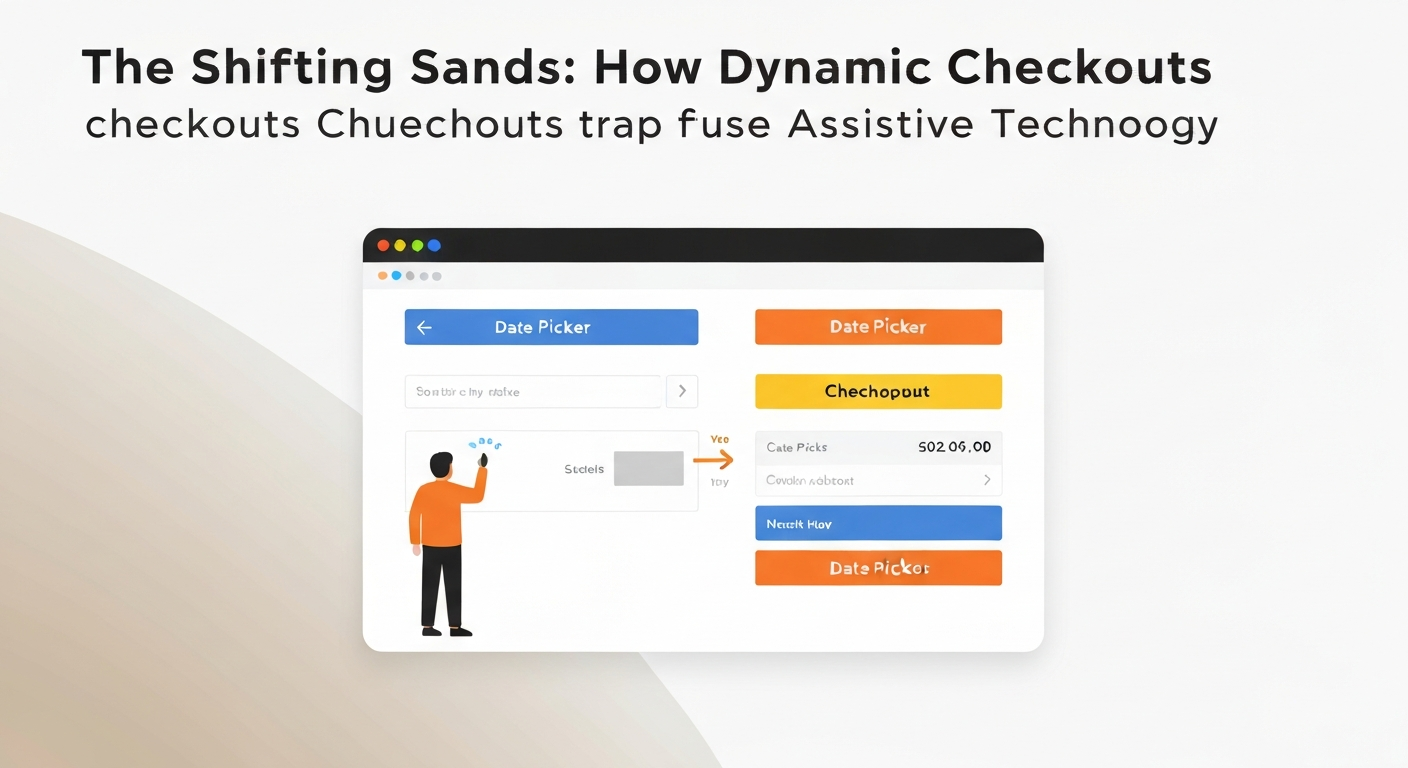
Dynamic checkouts, designed to streamline purchases with real-time updates, often become impenetrable labyrinths for assistive technology (AT) users. The core problem lies in unannounced changes: shipping costs, delivery windows, or even the final total price can update without proper ARIA live region announcements. A screen reader user in Vancouver, for instance, might add an item to their cart, proceed to checkout, and only realize the shipping fee doubled when reviewing the final summary, having missed the unannounced update because their AT was not cued to the change.
Users relying on keyboard or voice control frequently encounter keyboard/voice traps within these dynamic forms. Quantity selectors, or dropdowns that load options based on previous selections, often demand mouse interaction. Imagine a shopper in Halifax trying to adjust the quantity of an item from "1" to "3"; if the increment button is only clickable and not keyboard-focusable, their checkout process grinds to a halt. This can force the shopper to abandon the purchase.
Poor focus management further complicates matters. When new content loads dynamically, such as an expanded payment section or a newly calculated tax breakdown, the keyboard focus often remains static. A user of switch devices, for example, must then tediously navigate the entire page again to locate the new information. This constant manual searching contributes to significant cognitive overload, particularly for users with cognitive disabilities, who find complex, multi-step checkouts overwhelming when elements appear or disappear rapidly. This issue highlights why date pickers and dynamic checkouts trap assistive technology users, turning a simple purchase into a frustrating ordeal that frequently leads to the user abandoning their cart entirely.
More Than Just Screen Readers: Impact on Voice Control, Cognitive, and Motor Users
Focusing solely on screen reader users overlooks a broader spectrum of disabled people who encounter the "invisible maze" of inaccessible online forms. The underlying design flaws in many date pickers and dynamic checkouts create significant barriers for voice control users, individuals with cognitive disabilities, and those who rely on switch devices or other motor aids.
Consider a voice control user attempting to book a flight on an airline website. If the date picker's "next month" button is merely a visual arrow icon without an aria-label='Next Month', voice commands like "click next month" or "select arrow" fail. This design choice forces precise mouse clicks, rendering the element unusable for someone navigating via speech. A control with no accessible name fails WCAG 2.1 Success Criterion 4.1.2 Name, Role, Value (Level A), and a control that only works with a mouse also fails Success Criterion 2.1.1 Keyboard (Level A).
For individuals with cognitive disabilities, dynamic checkouts present a unique challenge. A complex e-commerce site, like a grocery delivery service in British Columbia, might update prices, delivery slots, or promotions without clear, announced changes. This rapid, unannounced shifting of content contributes to cognitive overload, making it difficult to process information, remember previous steps, or make informed decisions.
Users with motor impairments, including those using sip-and-puff devices or single switches, depend on a logical tab order and clear focus indicators. An inaccessible date picker requiring non-standard keyboard commands, or a dynamic form that breaks the natural tab flow, becomes an insurmountable barrier. They cannot use a mouse, so every interactive element must be reachable and operable via keyboard alone. This is precisely **why date pickers and dynamic checkouts trap assistive technology users** from diverse communities.
The fundamental flaw lies in assuming a singular mode of interaction. Inclusive design must move beyond a narrow focus on a single assistive technology type. It must acknowledge the varied ways disabled people engage with digital content, ensuring that online forms, including date pickers and dynamic checkouts, are built for universal access from the outset. This holistic approach aligns with the goal of the Accessible Canada Act of a Canada without barriers on or before January 1, 2040.
The 'Why': Common Design & Development Choices That Create Accessibility Traps
The 'Why': Common Design & Development Choices That Create Accessibility Traps
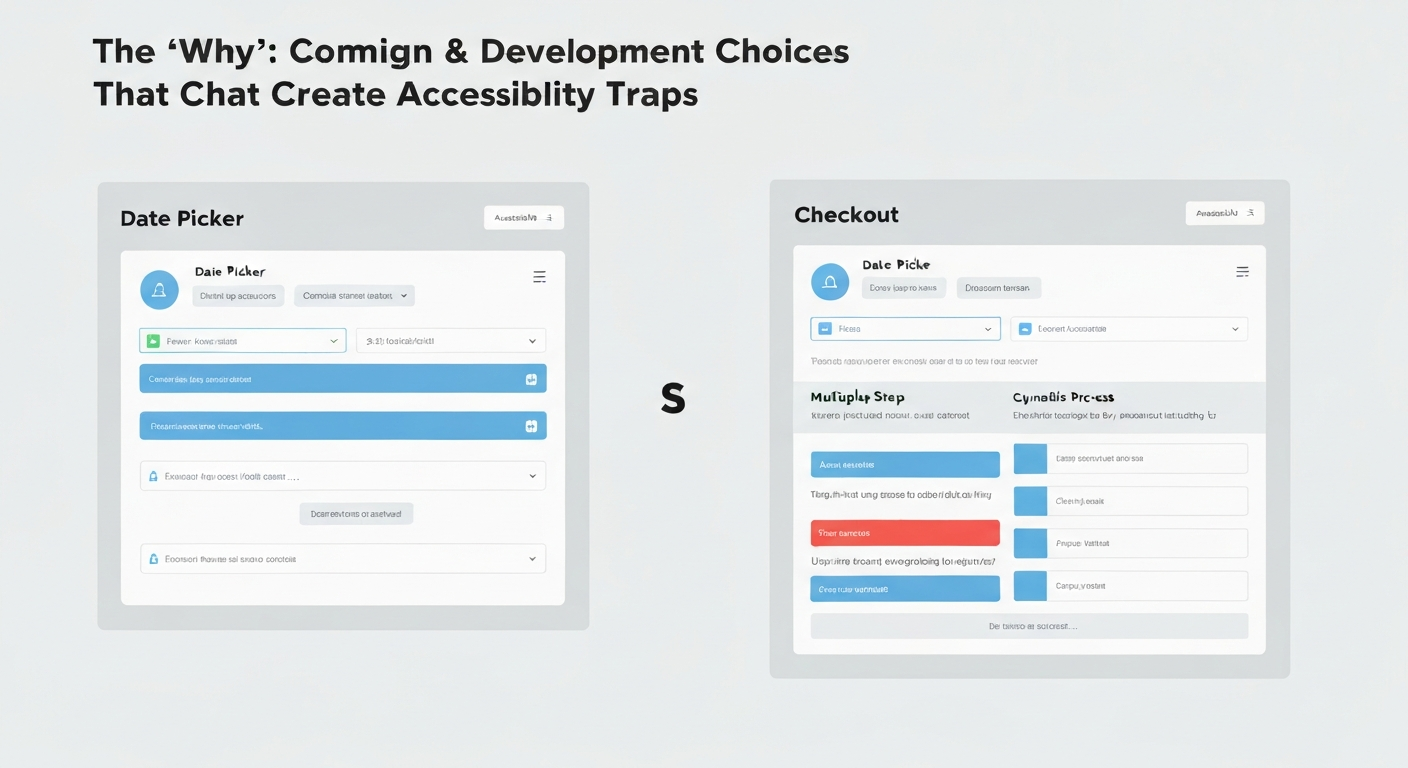
The "invisible maze" isn't accidental; it often stems from common design assumptions and development shortcuts that overlook the diverse ways people interact with digital interfaces. Understanding these root causes illuminates **why date pickers and dynamic checkouts trap assistive technology users**. Many designers prioritize visual aesthetics, assuming all users can readily interpret a calendar grid or color-coded availability. This reliance on visual cues alone, without equivalent semantic information, leaves screen reader users guessing. A user in Halifax trying to book a ferry crossing might hear "button, 14," without context for the month or year, making a simple date selection impossible. Similarly, developers frequently neglect proper keyboard focus management. When navigating a complex booking form, a user relying on a keyboard might find focus lost after interacting with a date picker, or jumping illogically to an unrelated part of the page, creating an insurmountable barrier. Dynamic content updates in checkout flows also present significant challenges. Changes to shipping costs or available delivery slots often occur without `aria-live` attributes. This means screen readers do not automatically announce these critical updates, leaving a shopper in Vancouver unaware that their preferred delivery time slot has just expired. Furthermore, many custom date pickers and form elements are built using generic `div`s and `span`s. Without proper ARIA roles and properties, these components lack the inherent accessibility features found in native HTML elements. A custom-built date picker might look functional but lacks the underlying semantic structure a screen reader needs to identify it as a calendar, not just a collection of buttons. This issue is compounded by inadequate testing; development teams often skip testing with actual assistive technologies like NVDA or JAWS, missing critical `assistive technology traps in online forms` before launch. These design and development choices collectively create interfaces that, while visually appealing to some, become functionally opaque for many disabled users and lead to abandoned carts. Addressing these fundamental oversights is crucial for building genuinely inclusive digital experiences.The Real Cost: User Frustration, Abandoned Carts, and Legal Risks
Ignoring accessible design in critical online components like date pickers and dynamic checkouts does not just create an ethical dilemma; it imposes tangible business costs. Every time a disabled customer encounters an inaccessible interface, it translates into lost revenue, tarnished brand reputation, and heightened legal exposure. These design failures, often rooted in a lack of understanding about how assistive technologies interpret web content, contribute directly to the alarming rate of online shopping cart abandonment and exclude a significant economic demographic.
For instance, when a screen reader user cannot navigate a non-standard date picker to select a flight departure, or a voice control user is trapped in a checkout flow that requires precise mouse movements, the transaction stops. This directly impacts the bottom line, turning potential sales into missed opportunities. It's a fundamental oversight that overlooks a massive, ready-to-spend market.
Inaccessible design has real financial consequences. When disabled users are blocked by inaccessible date pickers and dynamic checkouts, many simply give up. This exclusion extends to the purchasing power of disabled people and their families. Inaccessible sites can also create legal risk: in Ontario, section 14 of O. Reg. 191/11 requires designated public sector organizations and organizations with 50 or more employees to meet WCAG 2.0 Level AA, and federally regulated organizations such as banks, airlines and telecoms have obligations under the Accessible Canada Act.
Therefore, understanding why date pickers and dynamic checkouts trap assistive technology users is not merely about compliance; it's a strategic imperative for market expansion, brand integrity, and risk mitigation in Canada's digital economy. Prioritizing accessibility transforms a potential legal liability into a competitive advantage.
Beyond Compliance: Designing Truly Inclusive Date Pickers and Checkouts
True inclusivity in digital design extends beyond ticking boxes; it demands a proactive, user-centered approach to avoid the common pitfalls that trap assistive technology users. Many teams focus on basic WCAG 2.1 AA compliance, yet still produce interfaces that are functionally unusable for disabled people. The goal is not just to make elements technically perceivable, but genuinely operable and understandable.
Effective date pickers and dynamic checkouts begin with robust semantic HTML. Using native <input type="date"> elements is often the most accessible starting point. When custom components are necessary, applying ARIA roles like role="dialog" and role="grid" and states such as aria-selected, alongside aria-live="polite" for dynamic content, provides crucial context to screen readers like NVDA or JAWS. For instance, when a user selects a date in a custom picker, aria-selected="true" signals this choice. Similarly, any price updates in a checkout, common in platforms like Shopify, must be announced via an aria-live region to prevent critical information from being missed.
Keyboard navigation is non-negotiable. Every interactive element, from day selection in a calendar to "Apply Coupon" buttons in a checkout, needs a logical tab order and clear visual focus indicators. A user operating a keyboard in Calgary should be able to navigate into, within, and out of a date picker using standard commands like Tab and Arrow keys. When dynamic content appears, such as a shipping cost recalculation in a checkout, the change should be announced to assistive technology, and focus should move only when the user needs to act on the new content. This prevents a screen reader user from being left adrift, unaware of the updated information.
Offering multiple input methods is also key. Supplementing a visual calendar with a text field for date entry (e.g., "DD/MM/YYYY") accommodates diverse interaction styles, including voice control users or those with fine motor challenges. Finally, rigorous testing with real disabled users and their assistive technologies, not just automated checkers, is paramount. This feedback loop, involving individuals who rely on screen readers or keyboard-only navigation in places like Toronto, uncovers real-world usability barriers that compliance audits often miss, ensuring the design truly works for everyone.
Frequently Asked Questions About Accessible Online Forms
Understanding the specific technical requirements for accessible online forms is key to preventing the frustrations that can arise when assistive technology users encounter common web components. Many questions arise when developers and designers confront the reality of WCAG 2.1 AA guidelines, especially concerning interactive elements like date pickers and dynamic checkouts.
Quick Reference: Accessibility for Interactive Forms
An ARIA live region is a designated segment of a web page that screen readers actively monitor for content changes. It is vital for dynamic checkouts to announce unannounced updates, such as a shipping cost adjustment or a change in stock availability, ensuring users are not left unaware of critical information. Without it, a user with a screen reader like NVDA might miss a sudden price increase on a flight booking in Ontario.
To ensure keyboard accessibility, every interactive element within a date picker (e.g., month/year navigation buttons, the calendar grid, the close button) must be reachable with the keyboard, with Tab moving between controls and arrow keys moving between individual dates. Users must be able to activate selections with Enter or Space, and arrow keys should facilitate navigation within the calendar grid. Visible focus indicators are non-negotiable for keyboard navigation date picker usability, preventing users from getting lost in the interface.
While robust keyboard accessibility forms a strong foundation, voice control users interact differently. Elements need clear, unique, and visible labels that can be easily targeted by voice commands. For instance, a "Next Month" button must be unambiguously labeled so a user of Dragon Professional can say "click Next Month," avoiding ambiguous keyboard/voice traps where labels are generic.
The primary issues stem from a lack of semantic structure, meaning screen readers cannot inherently understand the visual calendar grid. Poor focus management often traps users or makes them lose their place, and missing ARIA attributes fail to convey essential context like the current month, selected date, or available dates. This is why date pickers are often inaccessible for screen reader users.
Rapidly changing content, elements that appear or disappear without warning, complex navigation flows, and time-sensitive prompts create significant cognitive overload. These dynamic checkout accessibility problems make it difficult for users with cognitive disabilities, such as those with ADHD or certain learning disabilities, to process information, make decisions, and accurately complete a purchase, often leading to cart abandonment.
Frequently Asked Questions
Why do date pickers cause problems for screen reader users?
What makes dynamic checkout forms difficult for assistive technology?
How can keyboard-only users navigate inaccessible online forms?
Can voice control software interact with modern web forms like checkouts?
Is inclusive design possible for online checkouts?
Keep reading
All articles →
Automated Accessibility Scanners vs. Testing with Assistive Technology Users
Automated accessibility scanners are vital for a baseline, but relying solely on them misses most WCAG issues. The key is understanding their distinct roles, not choosing one over the other for full compliance.

Switch Access, Eye Tracking and Voice Control: How Each Works and Where It Fits
Many disabled people with limited mobility face barriers to computer use due to universal mouse and keyboard assumptions. Switch access, eye tracking, and voice control offer specialized pathways, enabling interaction through minimal movement or voice.

CAPTCHA and Online Verification: Accessibility Barriers and Better Alternatives
Why CAPTCHA and similar verification steps shut out disabled people, what WCAG and Canadian accessibility law require, and verification methods that work for everyone.